AI Exterior Home Design

Upload Image

Model

Additional Instructions (Optional)

0/1000
Your uploads stay private and are never added to the public gallery

Real transformations

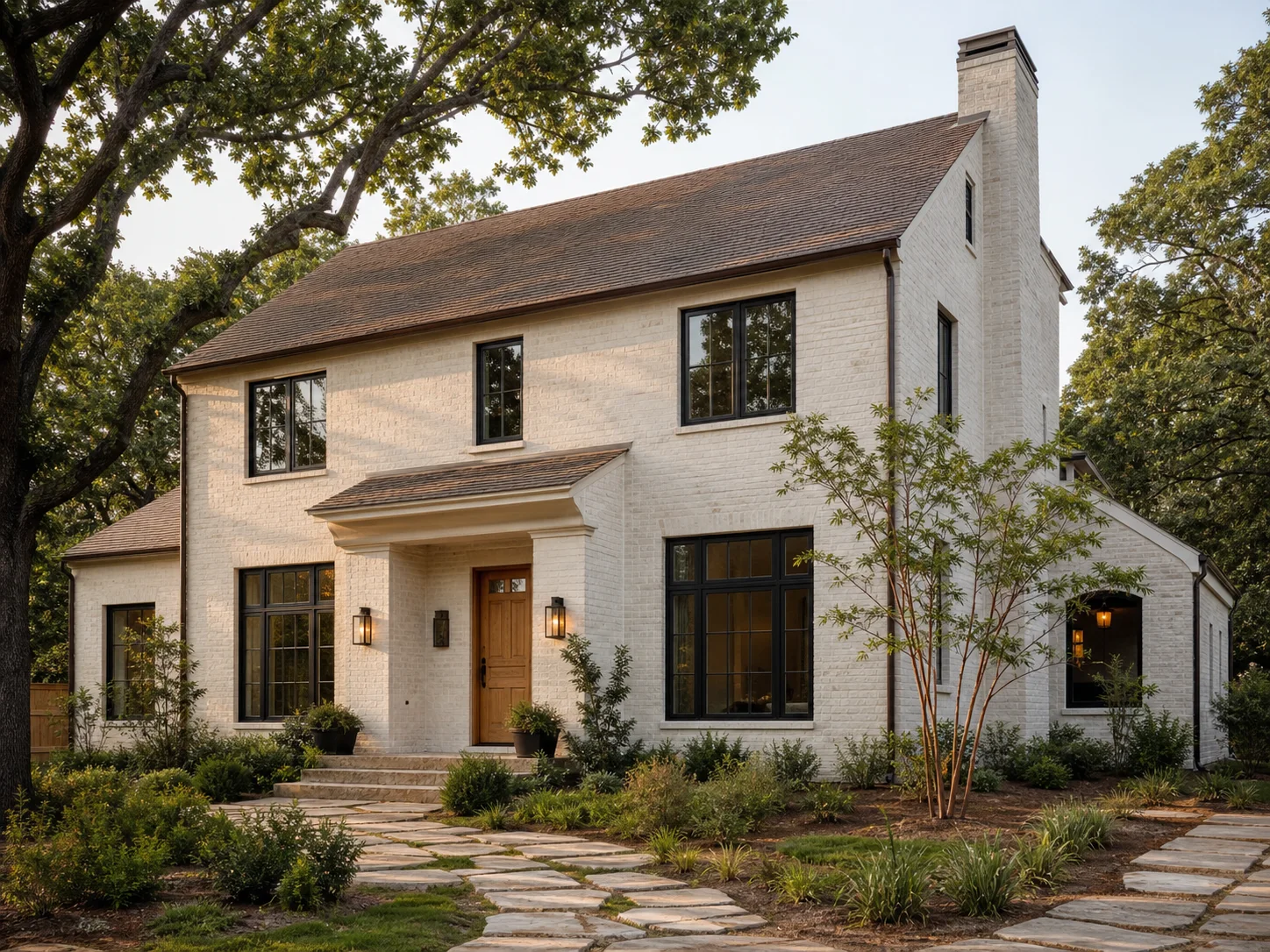
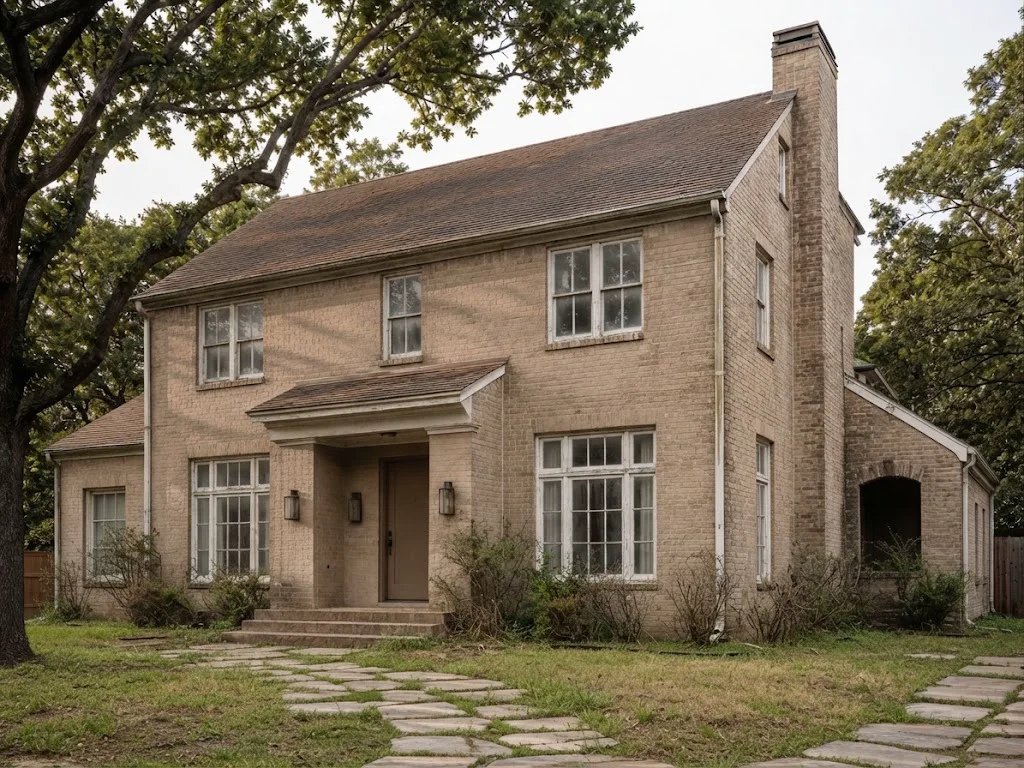
White brick facade refresh

White brick facade refresh
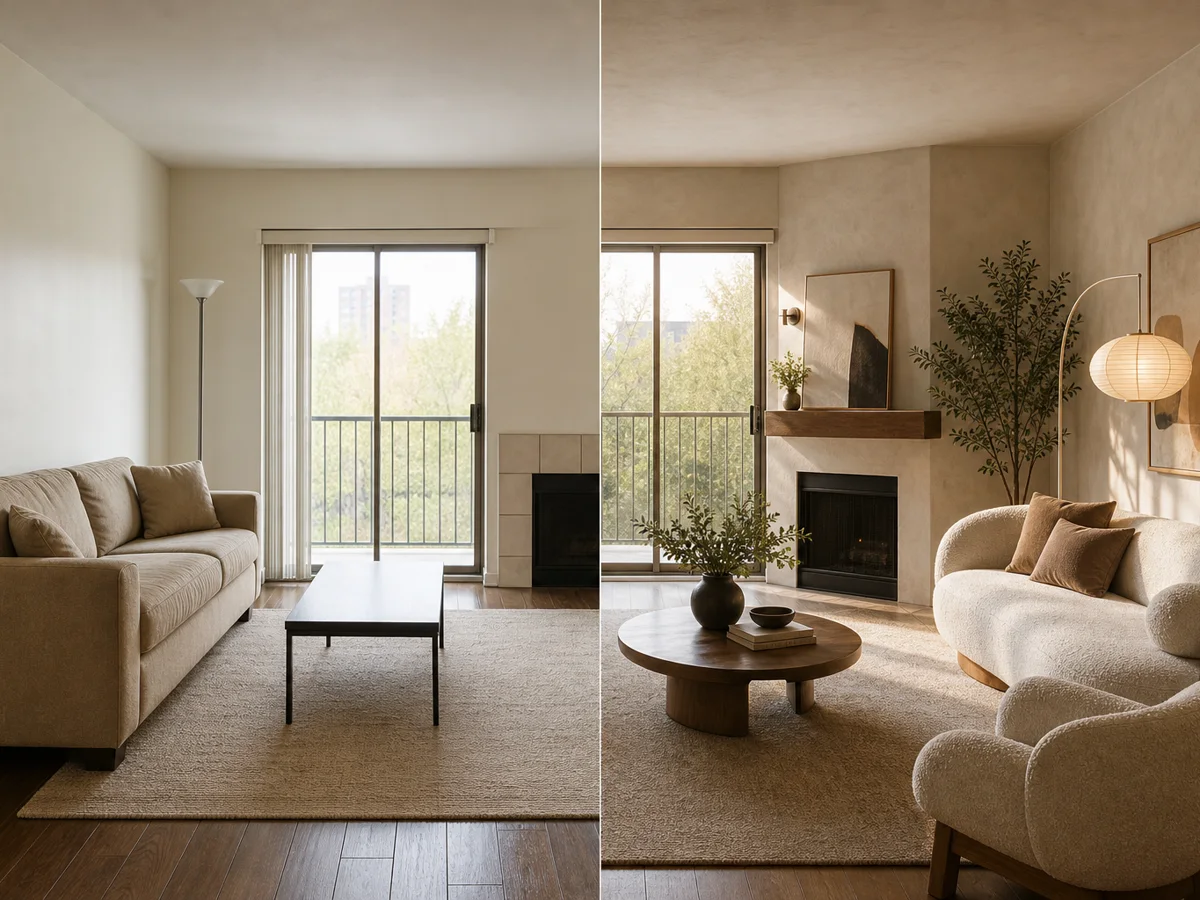
BeforeAfter
Architecture-aware transformations
Reliable generation with automatic recovery
Up to 4K output on supported quality modes

Designed for real spaces

Test curb appeal before the scaffolding goes up

See how color, cladding, trim, lighting and landscaping work together on your actual facade—not on a generic inspiration image.

3 stepsfrom photo to design direction
23 toolsfor rooms, exteriors and plans
2K–4Koutput on Pro and Ultra

Real transformations

Facade directions grounded in the existing house

Compare a restrained material refresh with a bolder architectural direction while protecting the building's recognizable form.
White brick facade refresh
BeforeAfter

White brick facade refresh

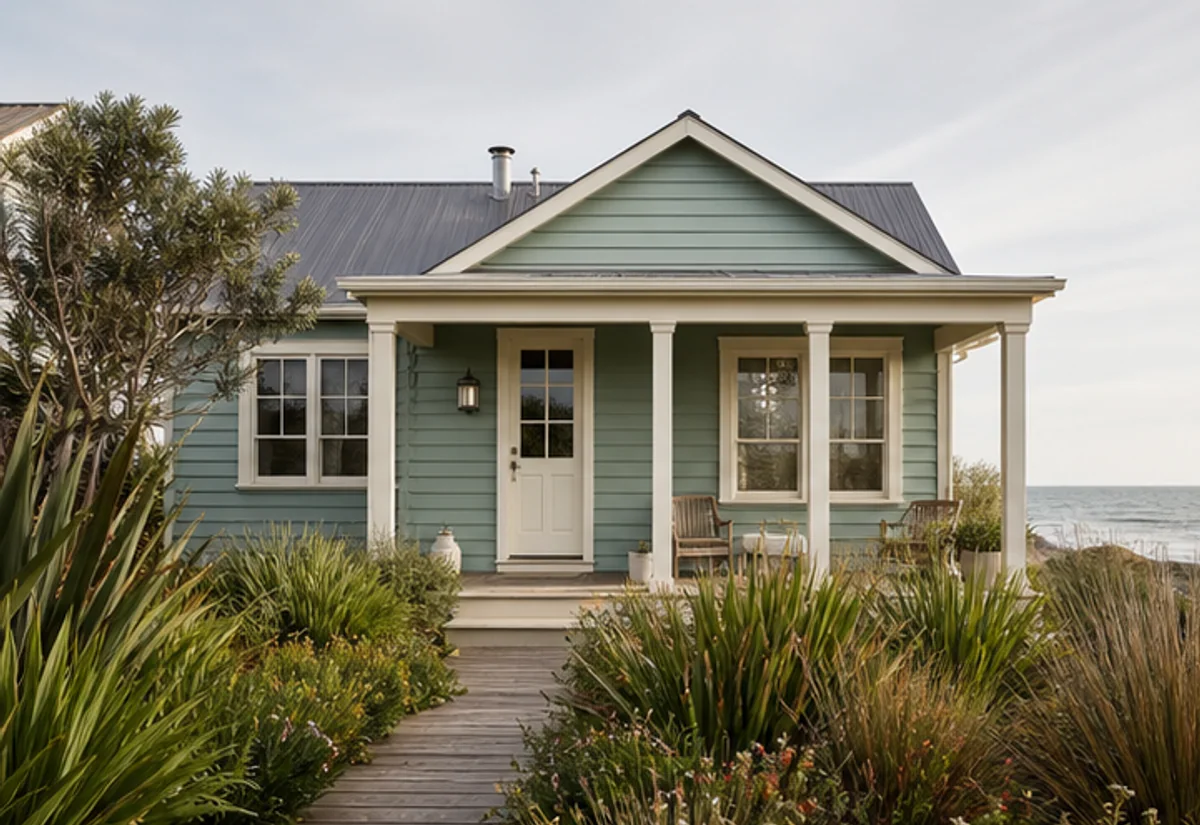
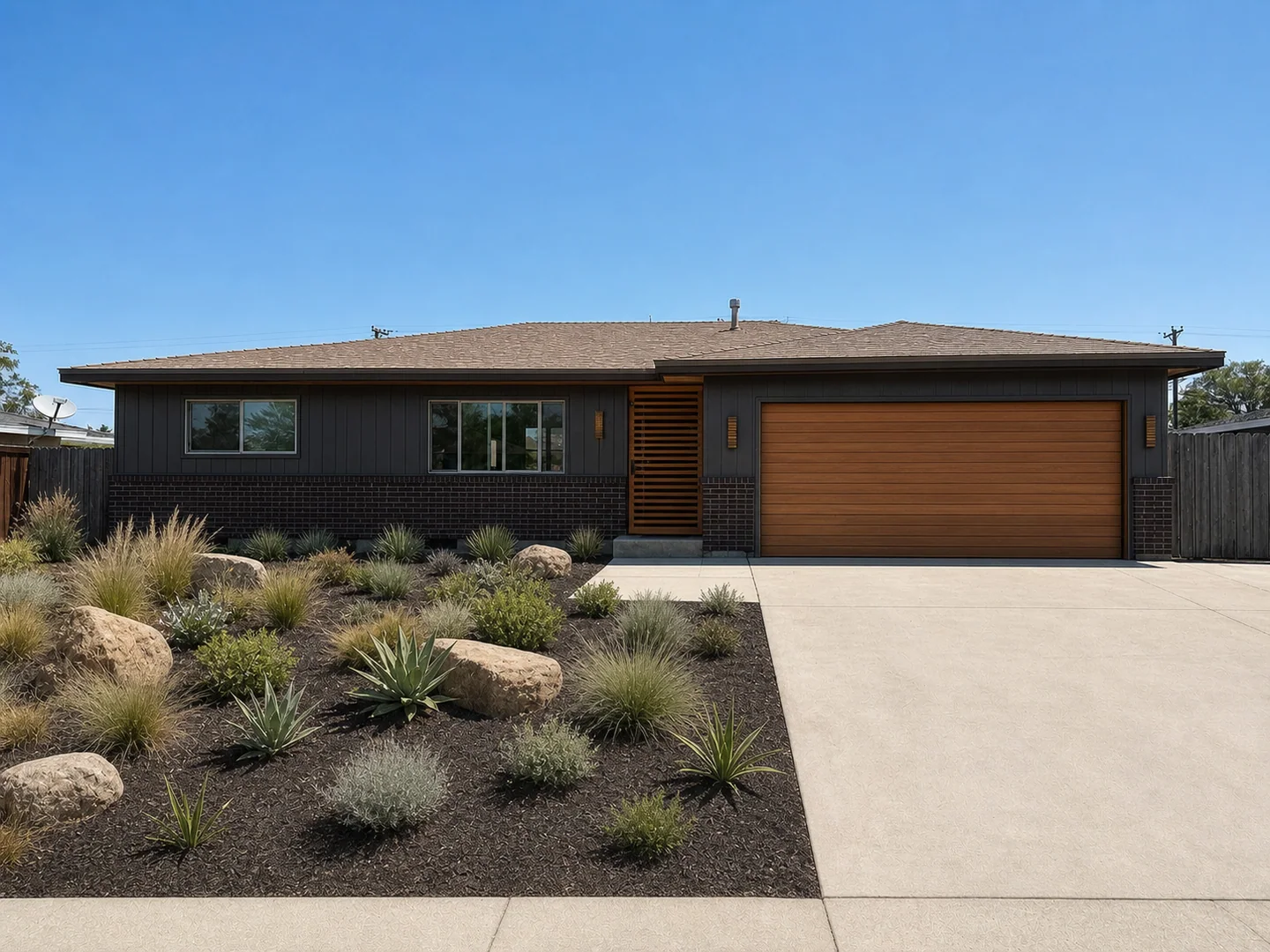
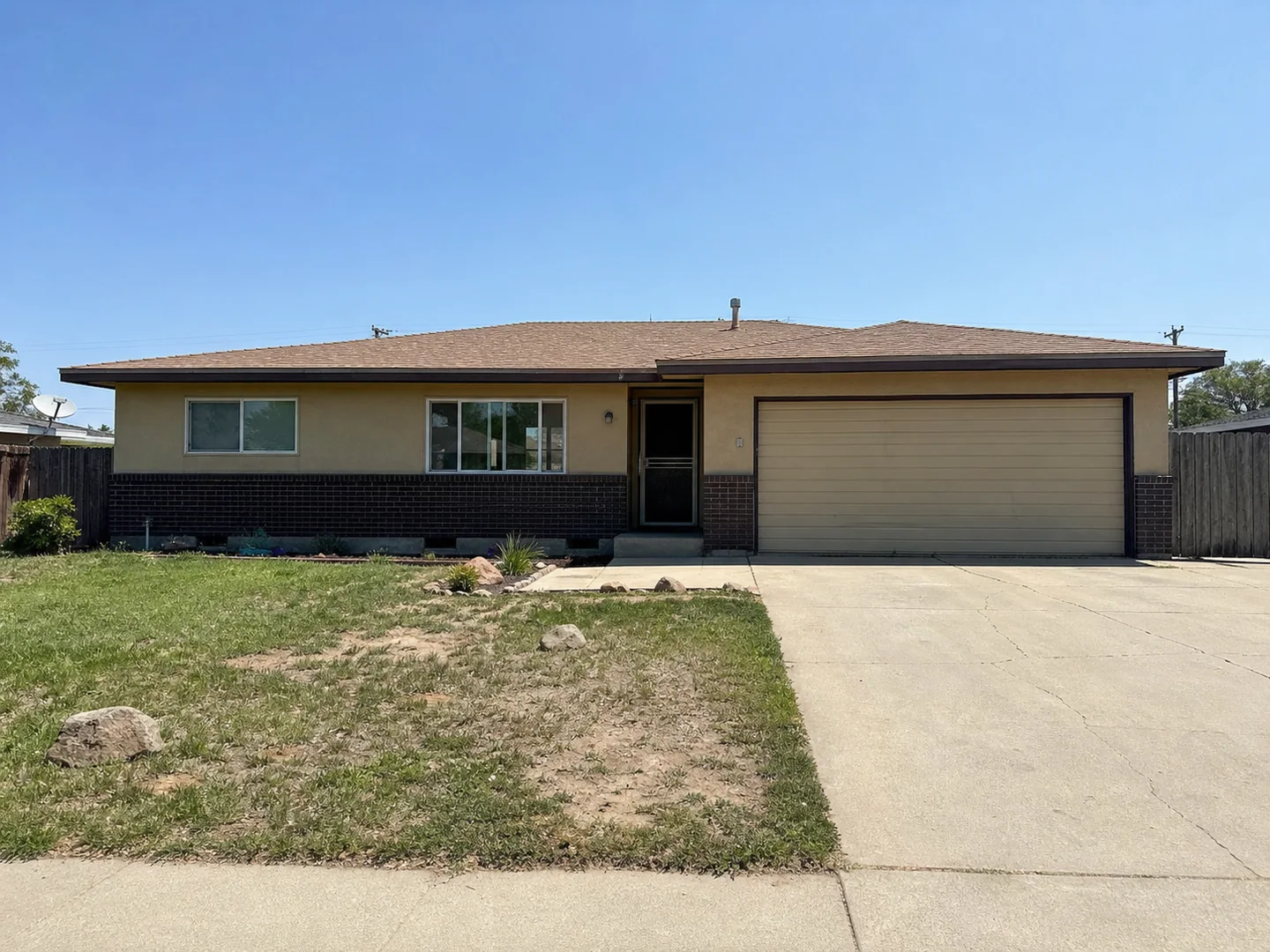
Mid-century ranch renewal
BeforeAfter

Mid-century ranch renewal

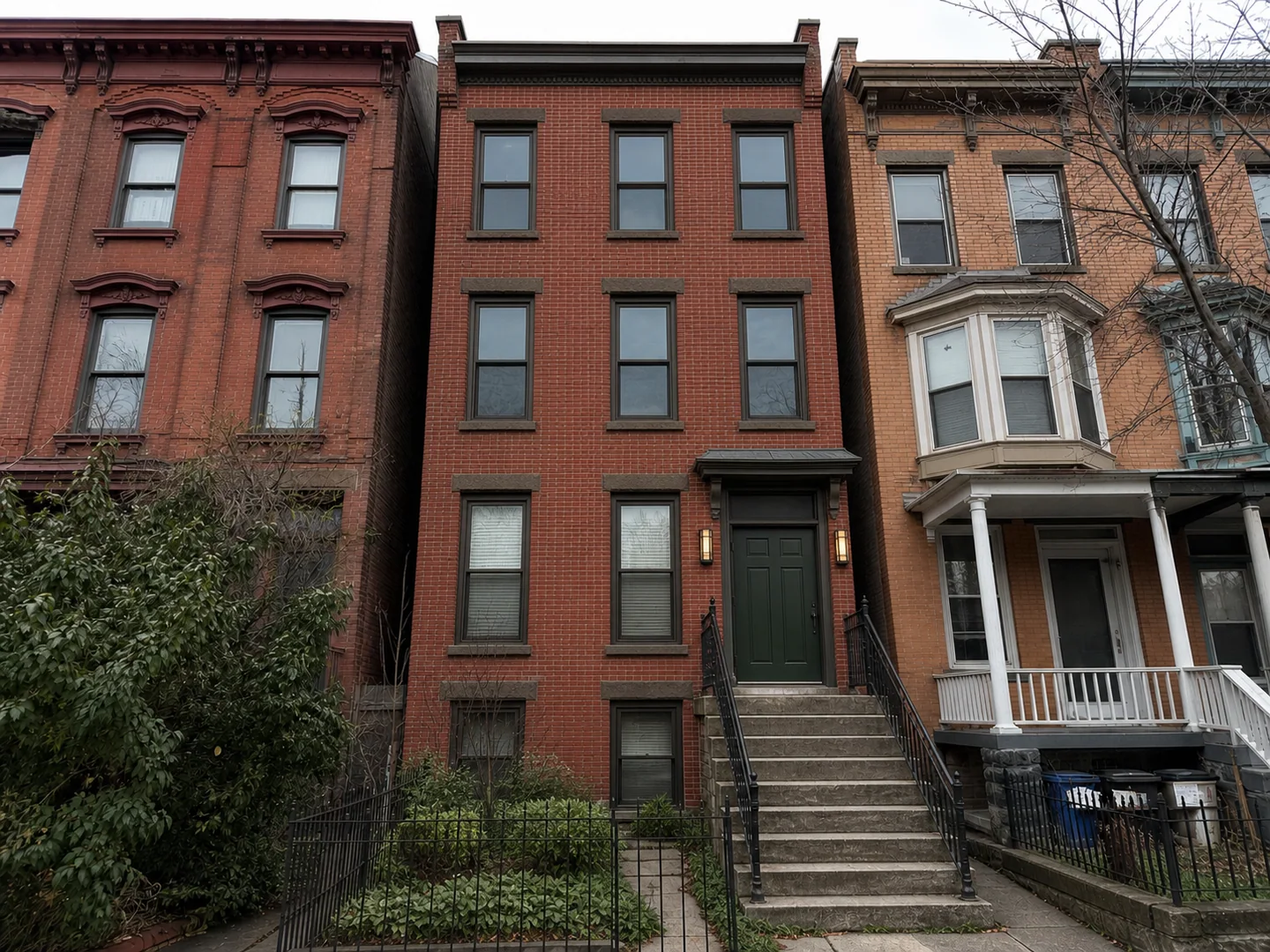
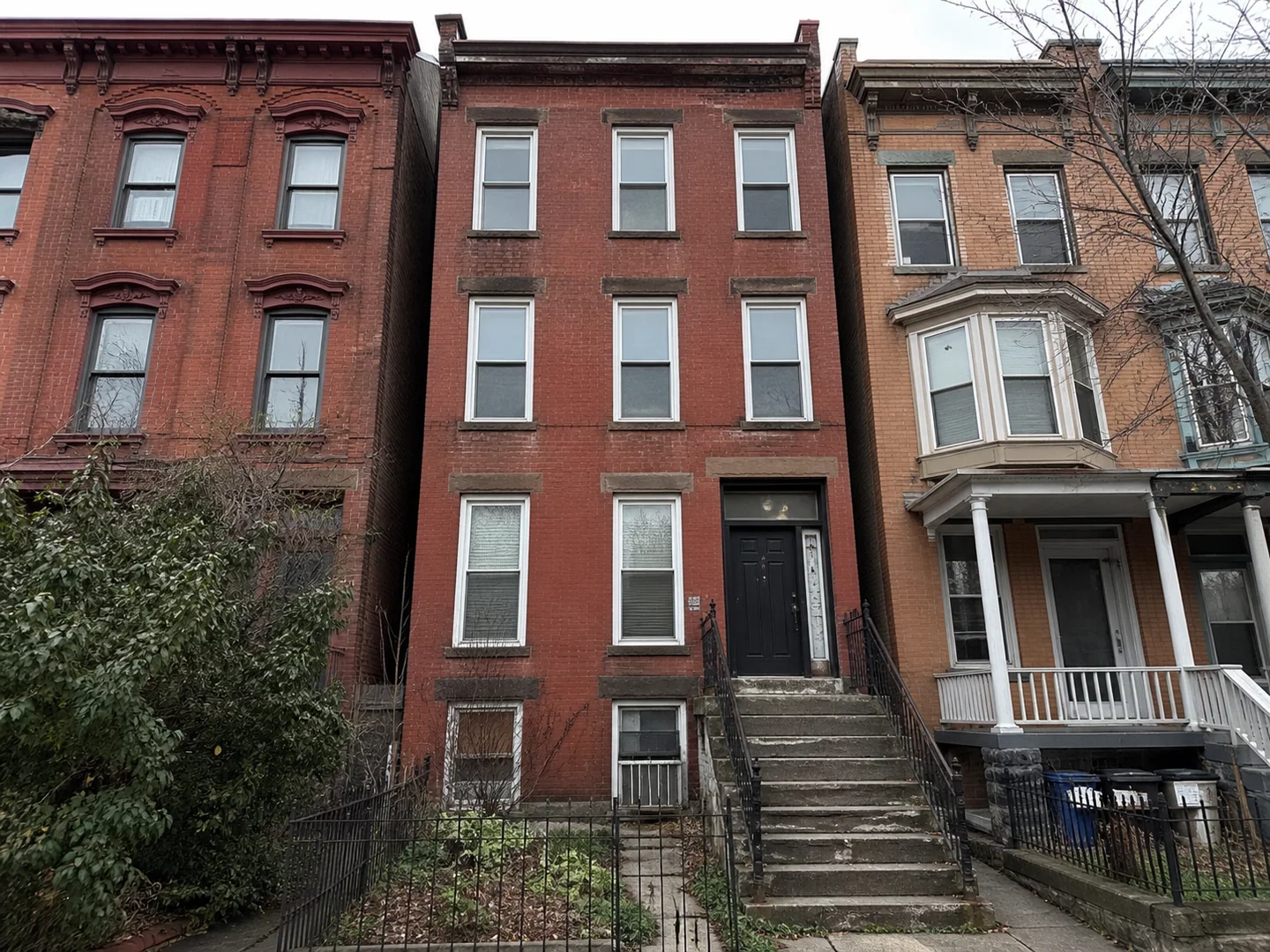
Heritage townhouse update
BeforeAfter

Heritage townhouse update

Keep the structure, rethink the street presence

Space-aware by default

Keep the structure, rethink the street presence

The redesign focuses on finish, proportion, entry hierarchy and detail while holding the main building geometry steady.
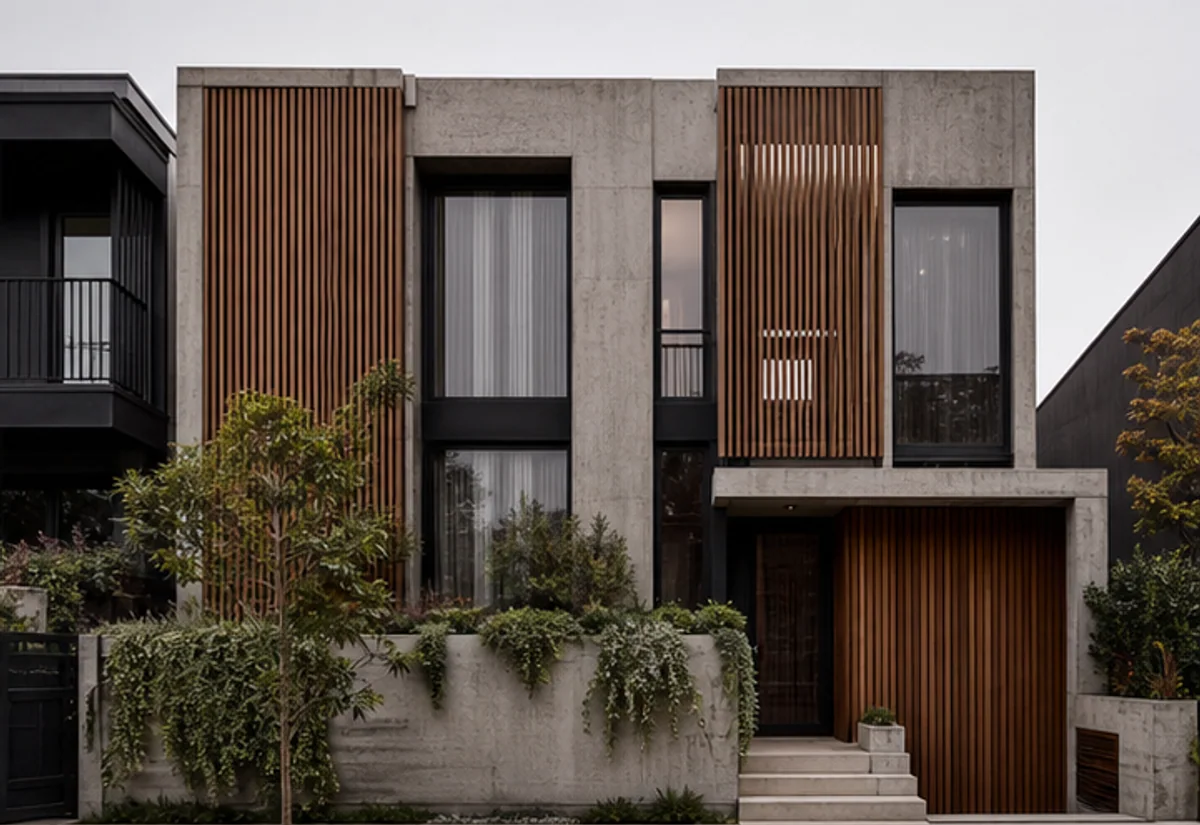
  • Preserves camera angle and room boundaries
  • Keeps doors, windows and fixed architecture coherent
  • Produces realistic materials, scale and lighting
Coordinate materials before requesting quotes

Explore before you commit

Coordinate materials before requesting quotes

Use concepts to align on paint, masonry, timber, metal and landscape character before detailed specification.
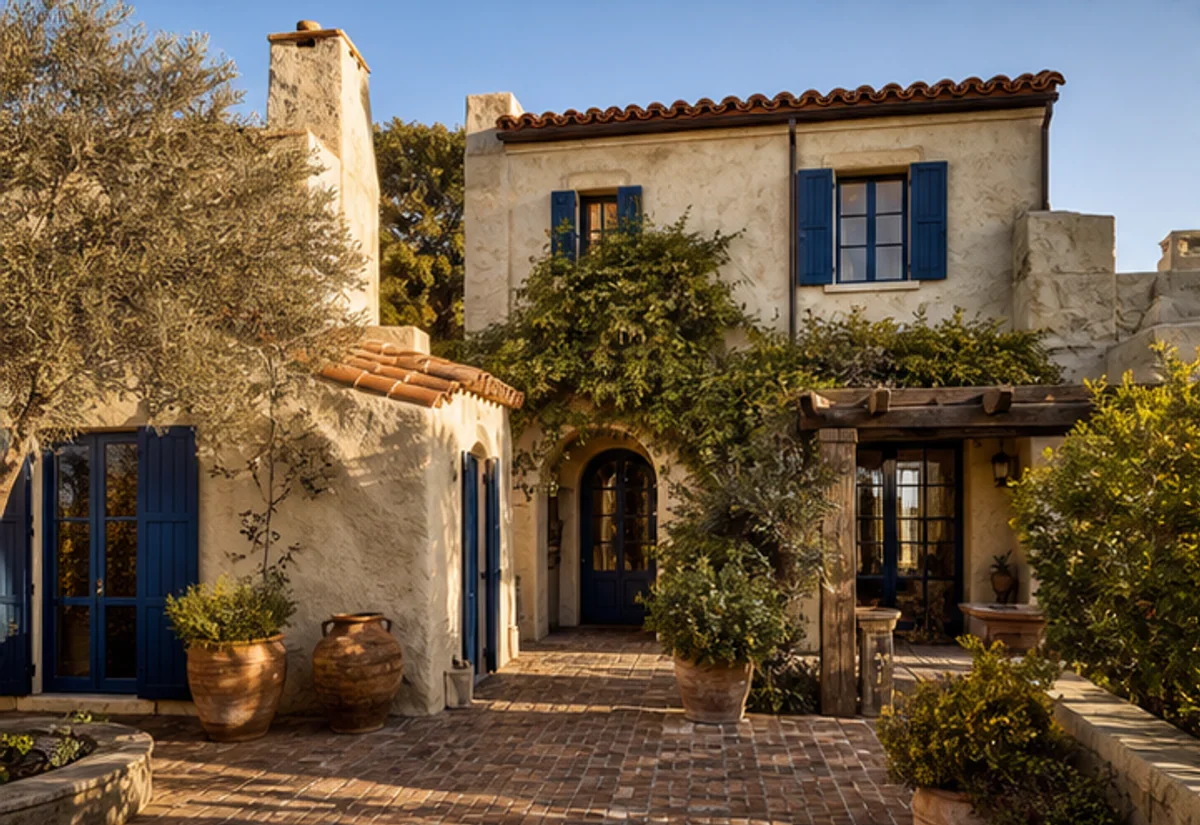
  • Compare several directions from one photo
  • Add precise instructions in natural language
  • Download concepts for planning and collaboration
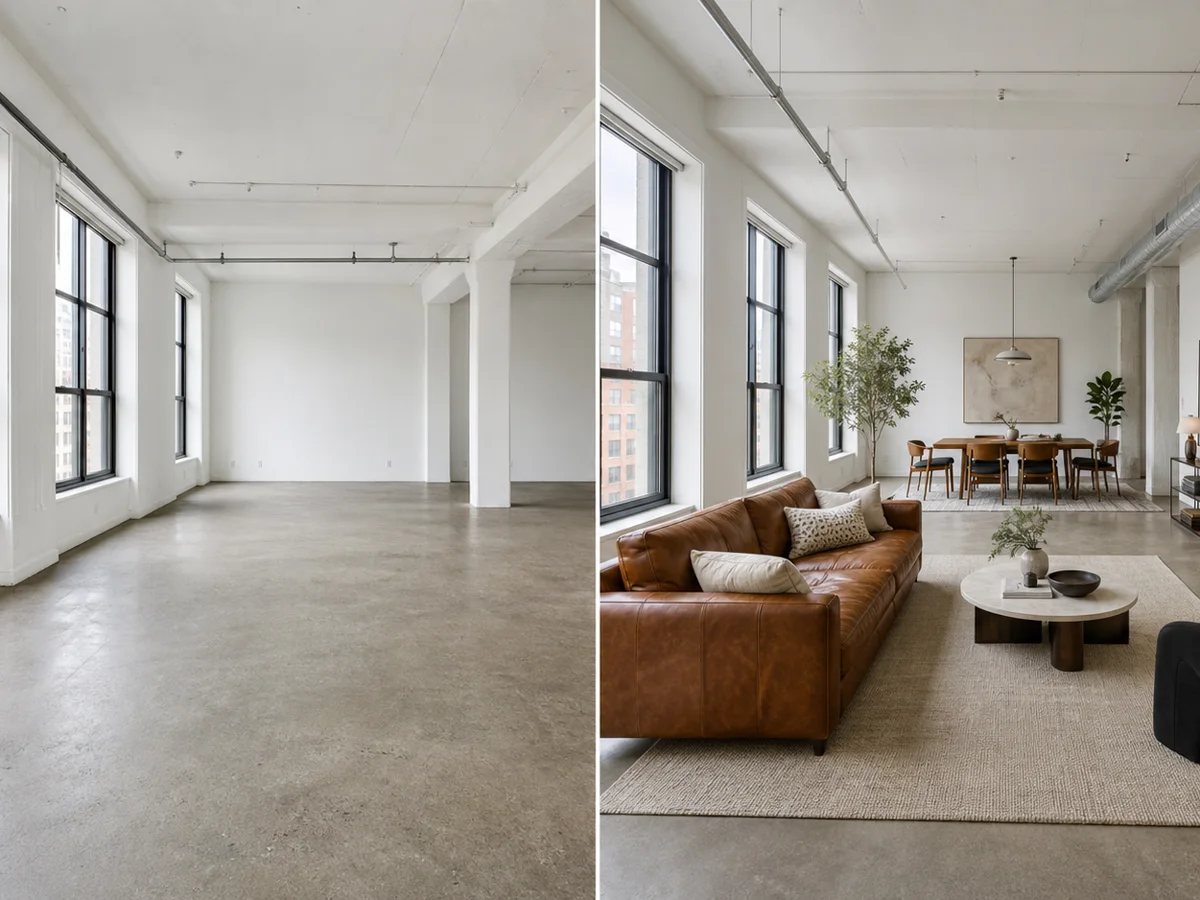
See distinct directions without losing the original space

Compare real alternatives

See distinct directions without losing the original space

Each concept stays anchored to the same viewpoint, so materials, color and layout choices are easier to compare honestly.
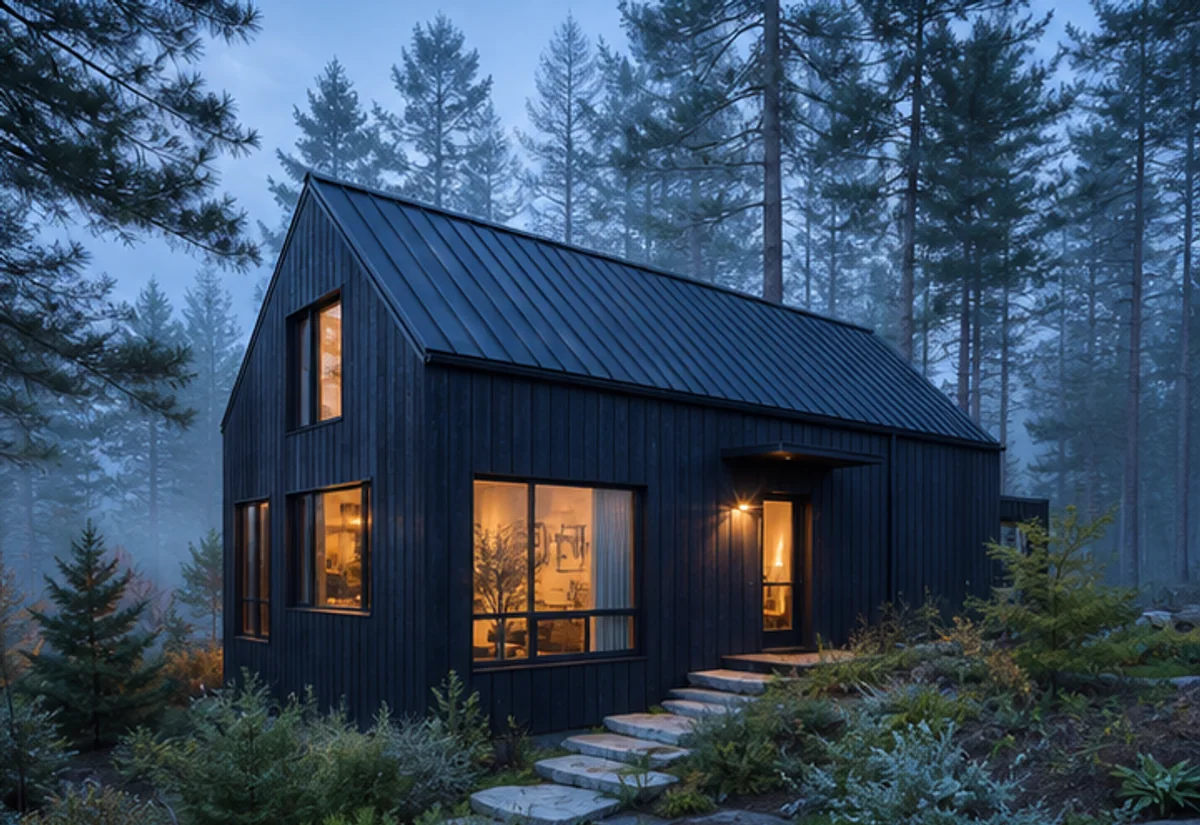
  • Uses a consistent camera position across concepts
  • Makes finishes and atmosphere easy to compare
  • Keeps every option grounded in the source photo
Build a clearer brief before spending on the real space

From idea to decision

Build a clearer brief before spending on the real space

Use the original photo and several finished directions to align owners, clients or contractors before committing time and budget.

  • Share presentation-ready visual directions
  • Reduce ambiguity in design conversations
  • Save preferred concepts for the next project step

Simple, considered workflow

From one photo to a confident design direction

01

Upload a clear photo

Use a bright, straight-on image that shows the key boundaries and fixed features of the space.

02

Choose the direction

Select the space and style, then add any materials, colors or objects that matter to you.

03

Generate and refine

Review the before-and-after result, adjust your instruction and create another direction when needed.

Popular directions

Detached HouseTownhouseVillaModernFarmhouseMediterranean

Keep designing

More tools for the rest of your home

Questions, answered

What to know before your first generation

Upload a house photo and explore new exterior materials, colors, facade styles and curb-appeal concepts with AI. Use it to compare several directions quickly, then keep the strongest result for discussion, review, or further refinement.

Give your home a stronger first impression

Bring one clear photo and a direction. Explore a realistic concept before you spend on furniture, finishes or construction.
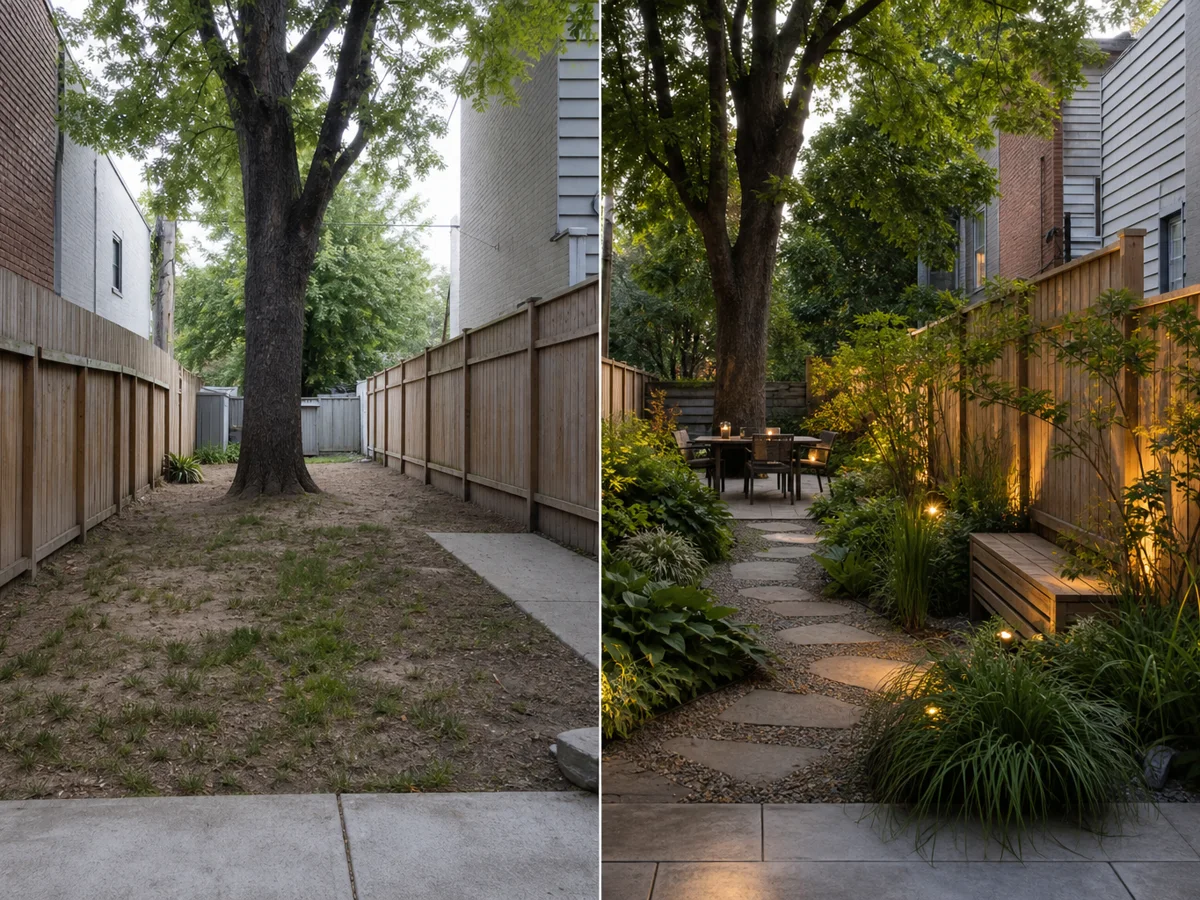
See pricing