Upload Image
Furniture Reference (Optional)
Model
Additional Instructions (Optional)
0/1000Real transformations
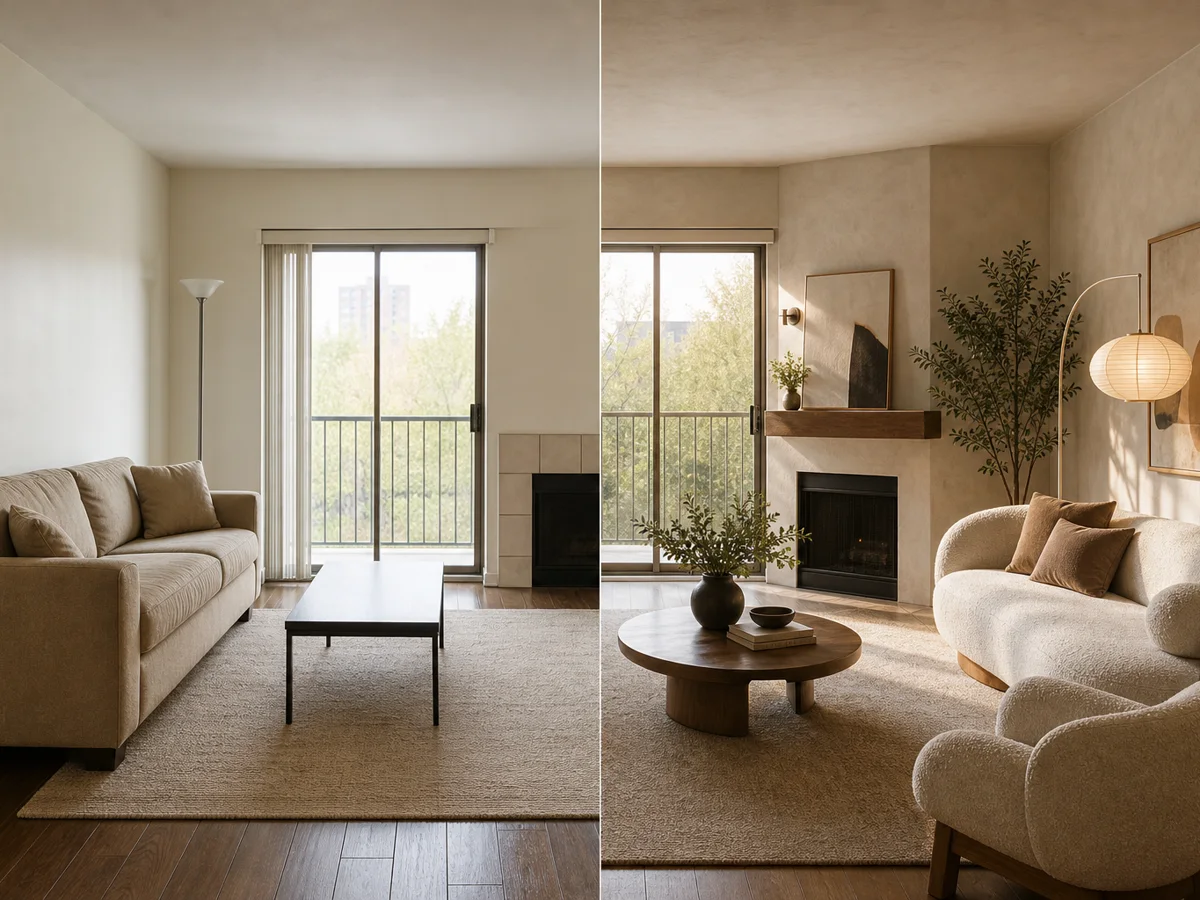
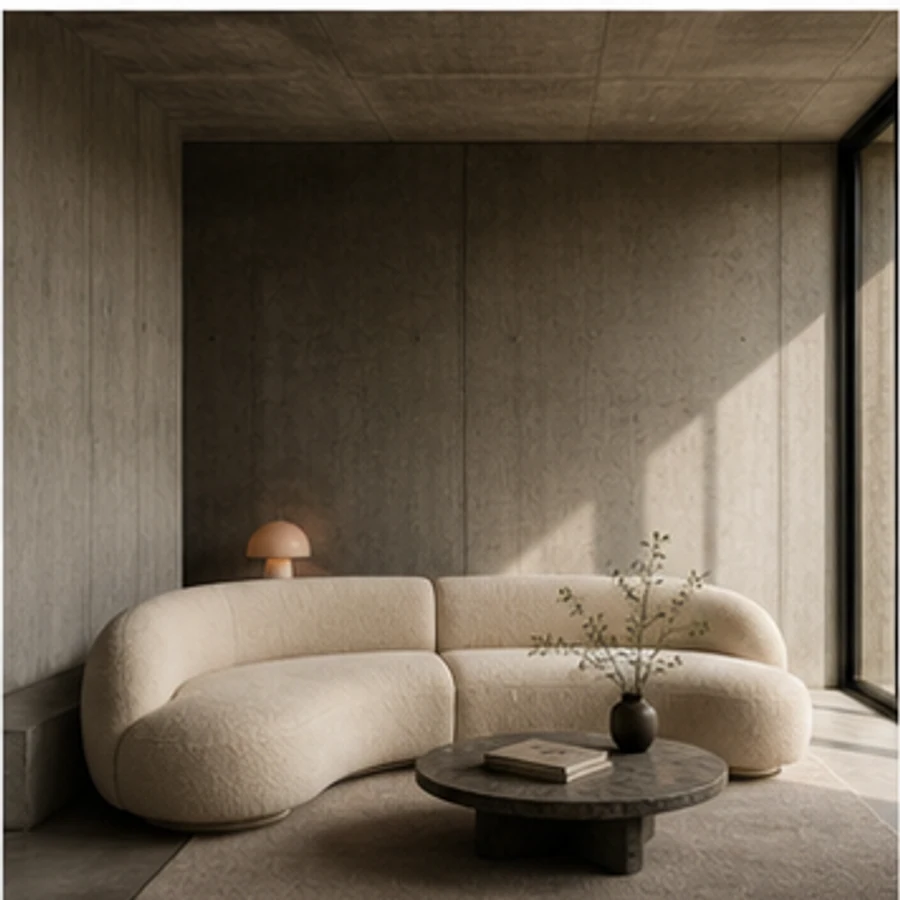
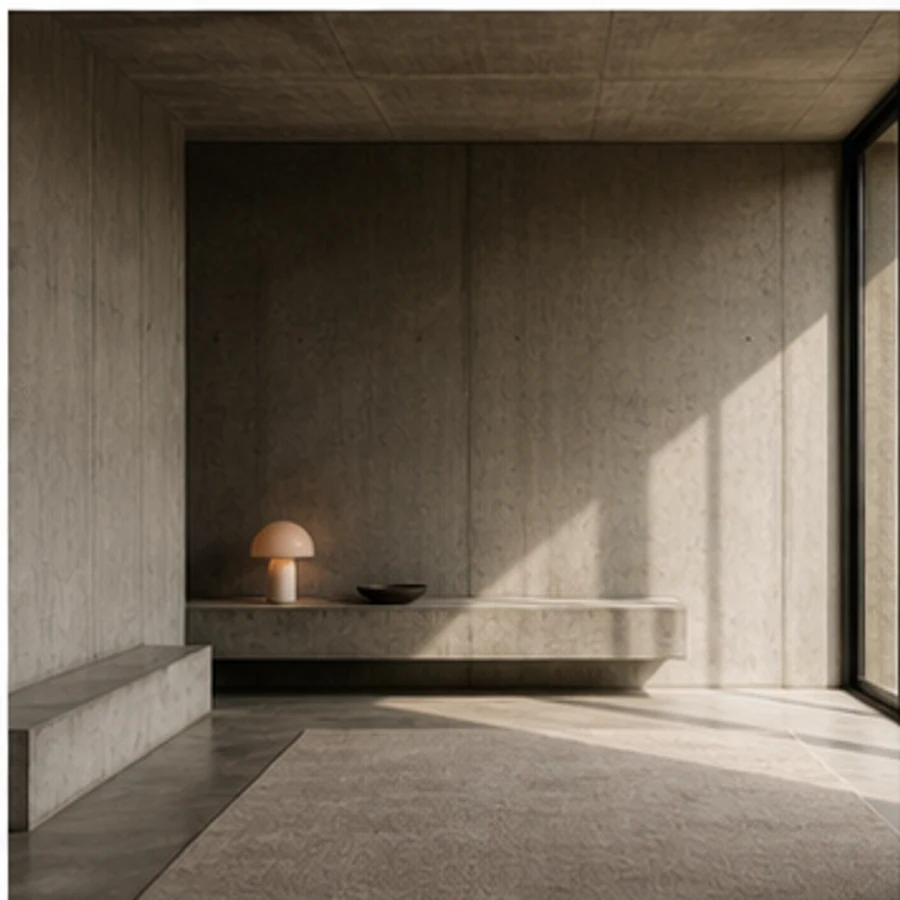
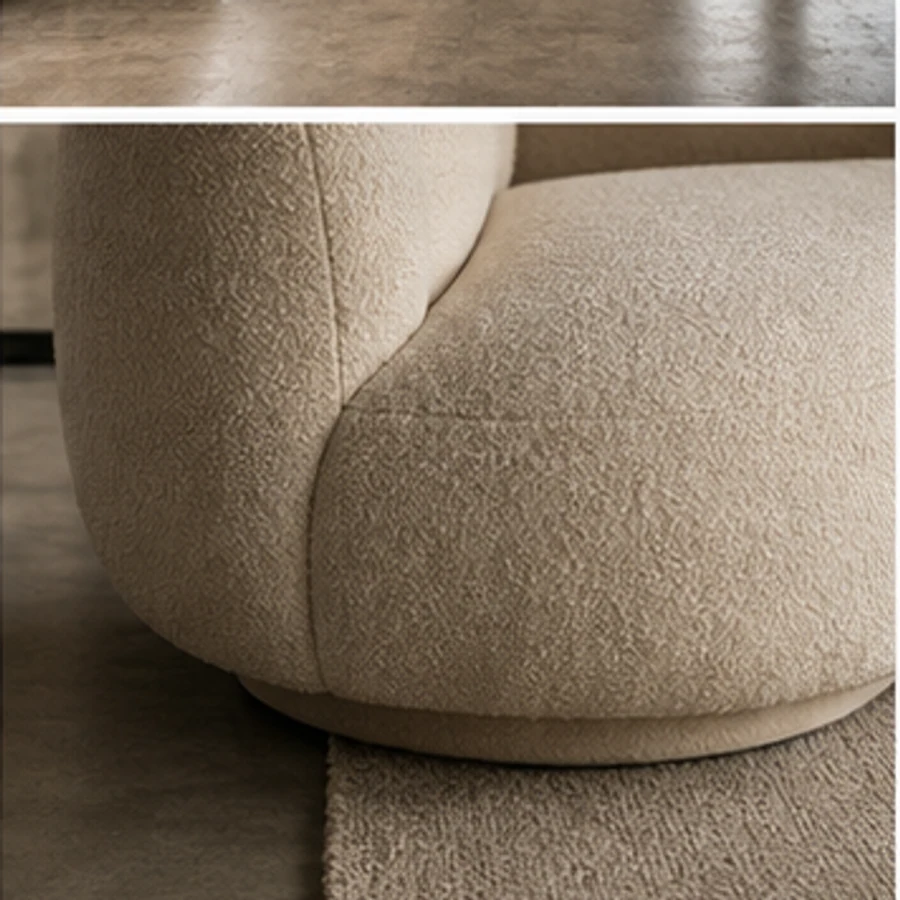
Sculptural sofa added to a minimal lounge
Designed for real spaces
Test size, placement and visual weight in context. A marked target zone and optional product reference make the result more deliberate than a generic restyle.
Real transformations
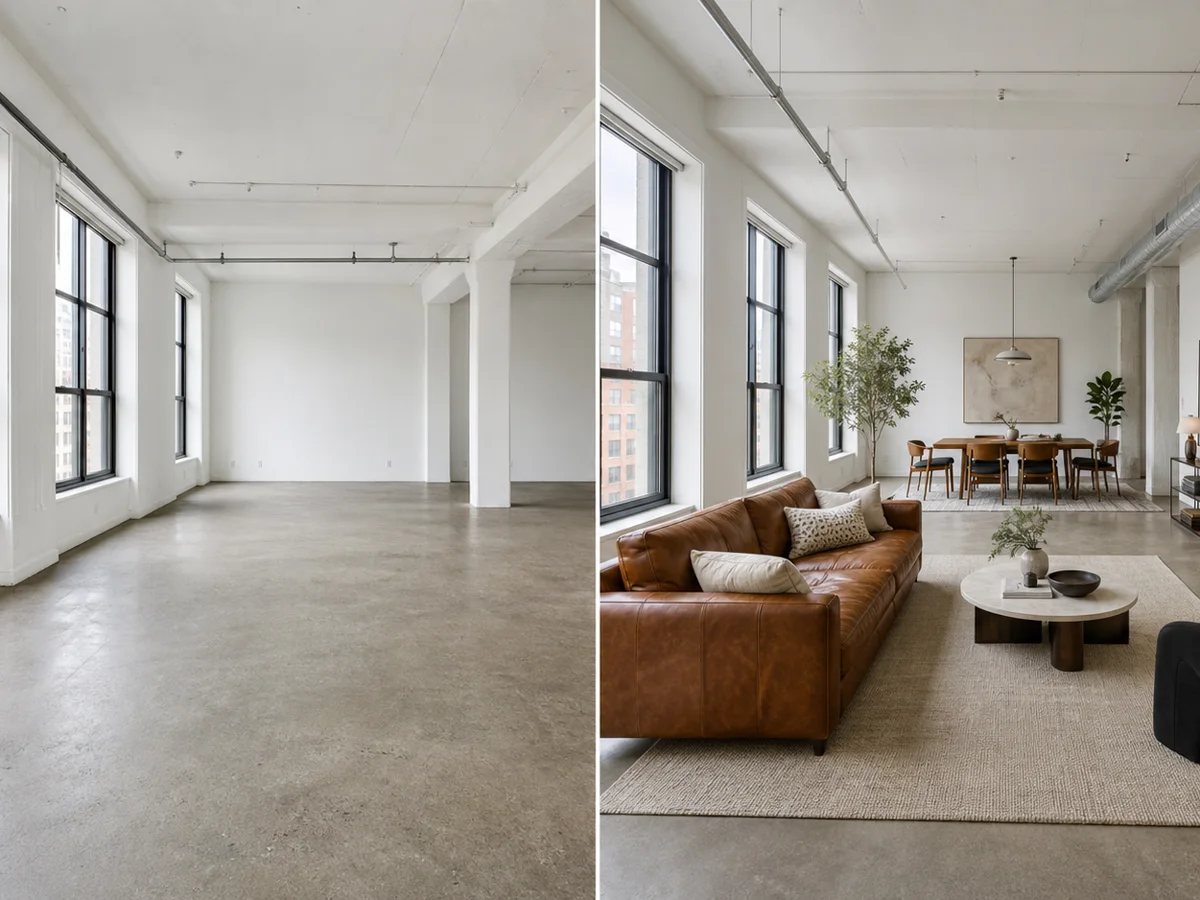
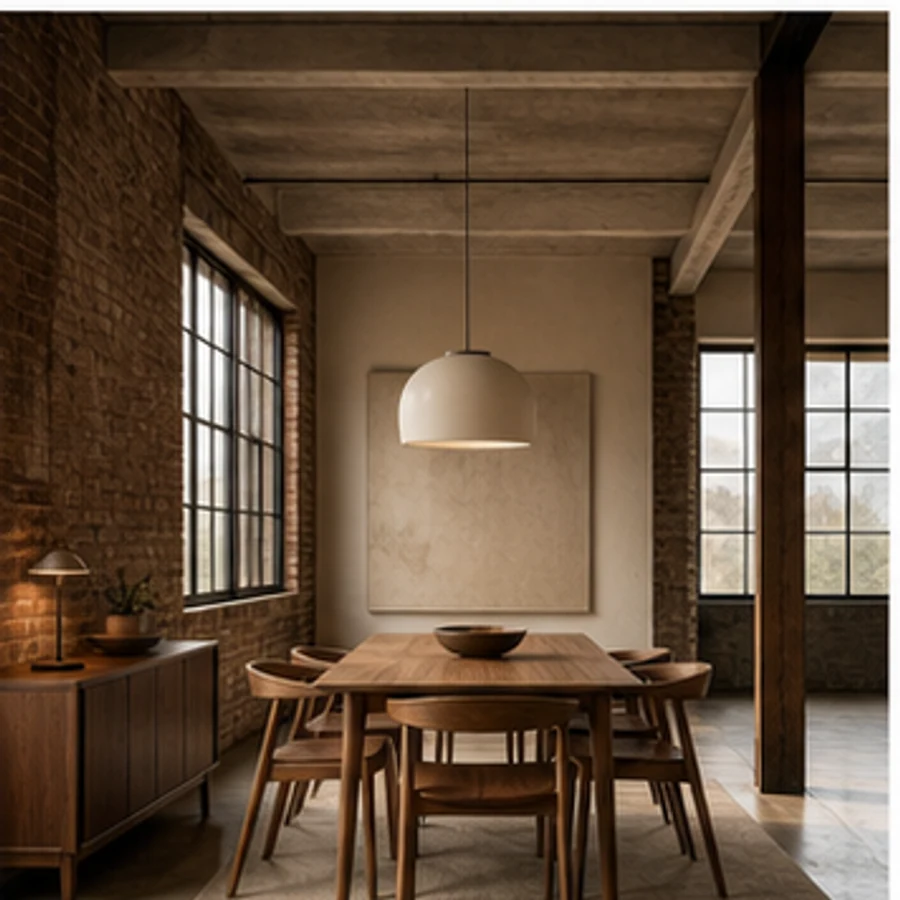
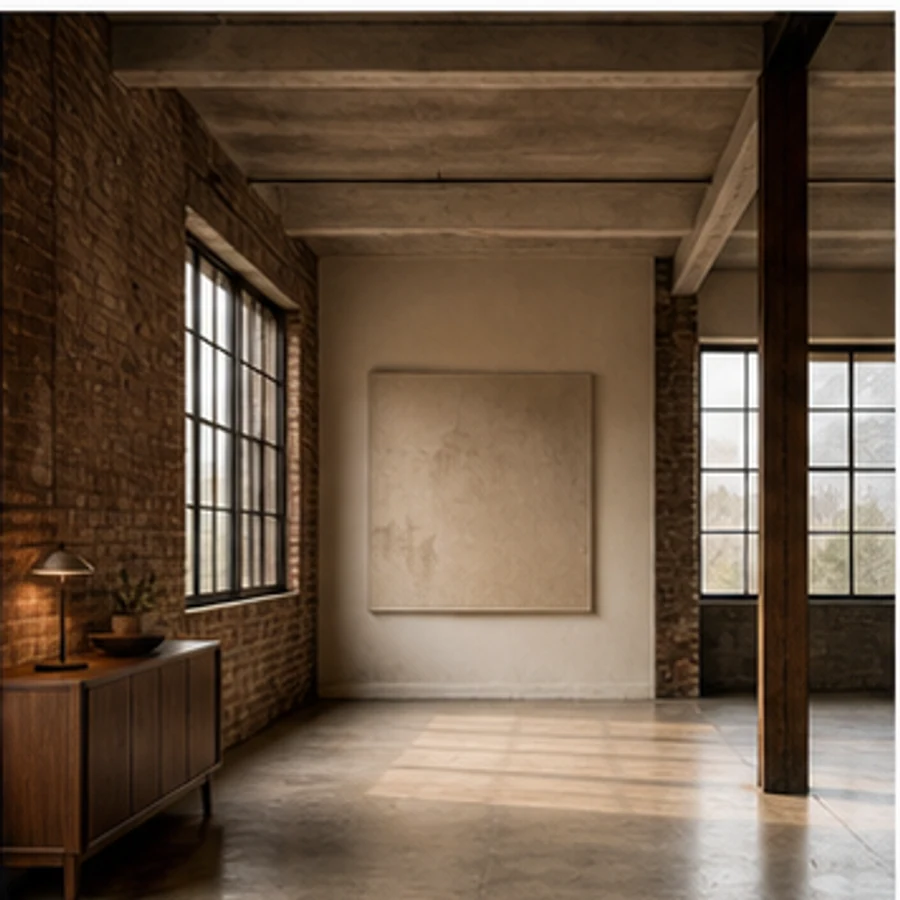
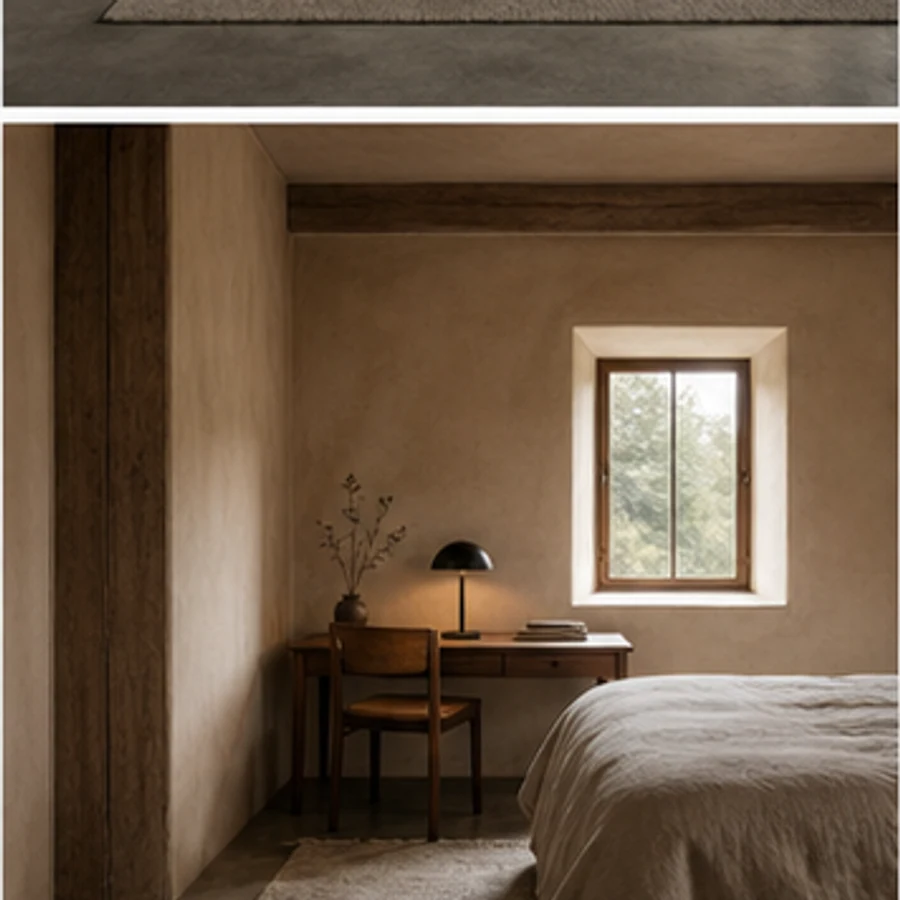
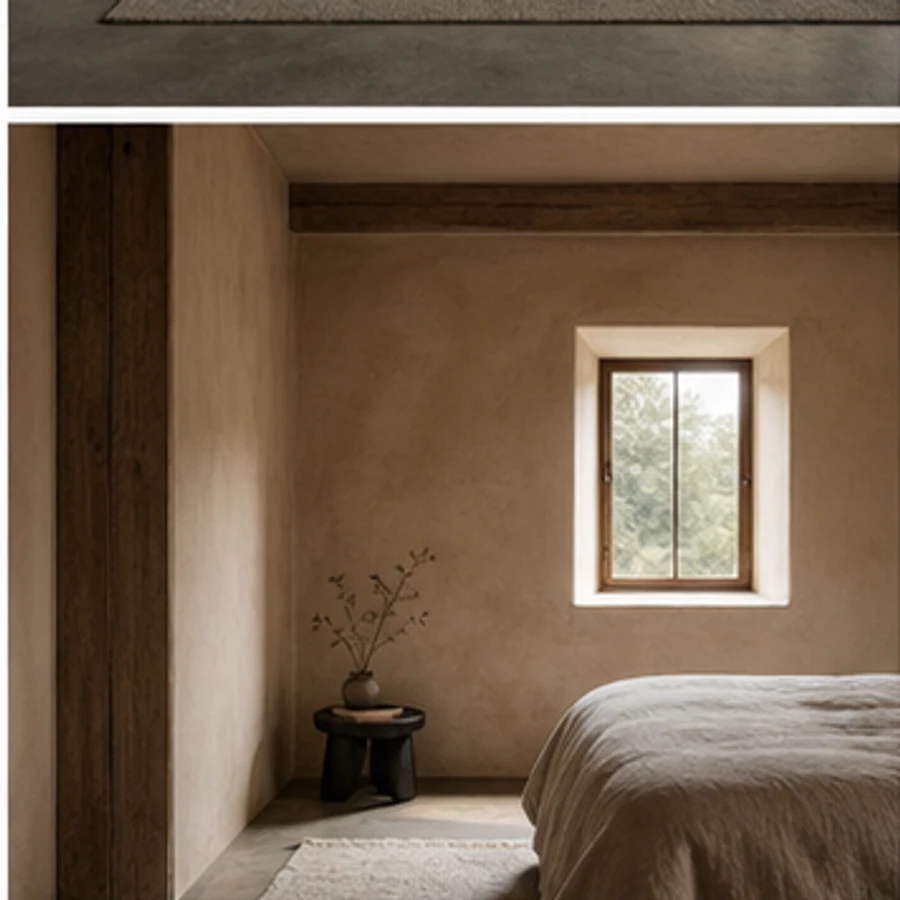
Place seating, dining, sleeping and work furniture into varied spaces without changing the surrounding design.
Space-aware by default
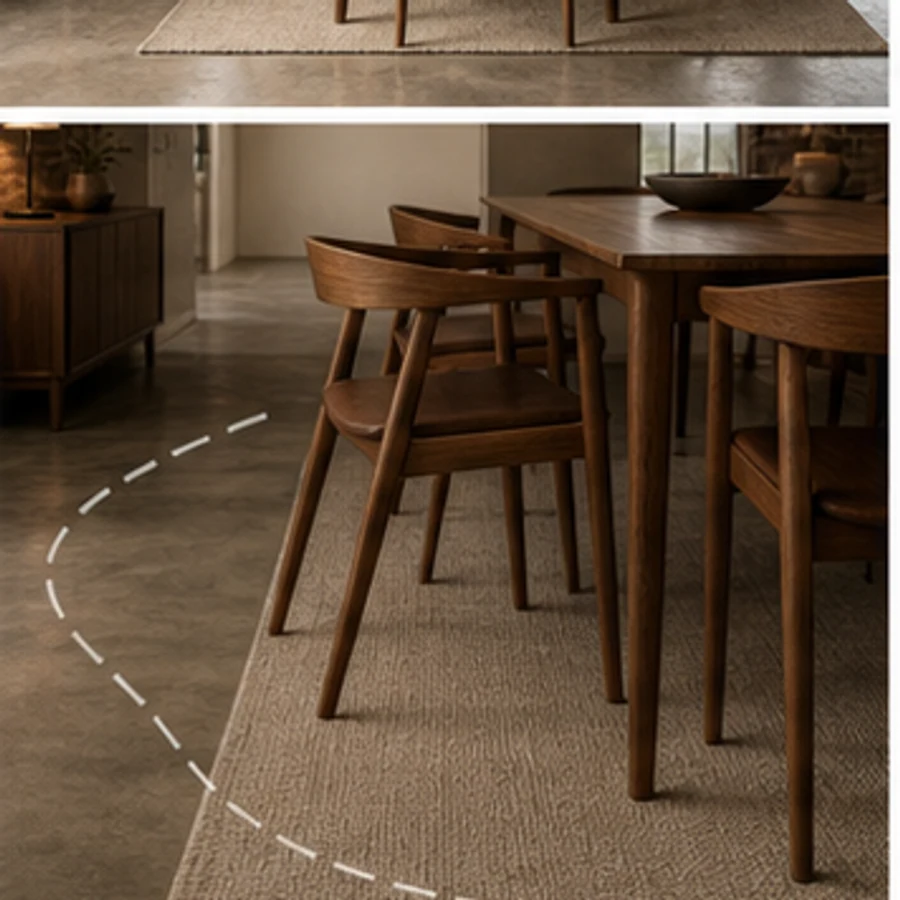
Mark the intended footprint so the model understands both placement and the parts of the room it must protect.
Explore before you commit
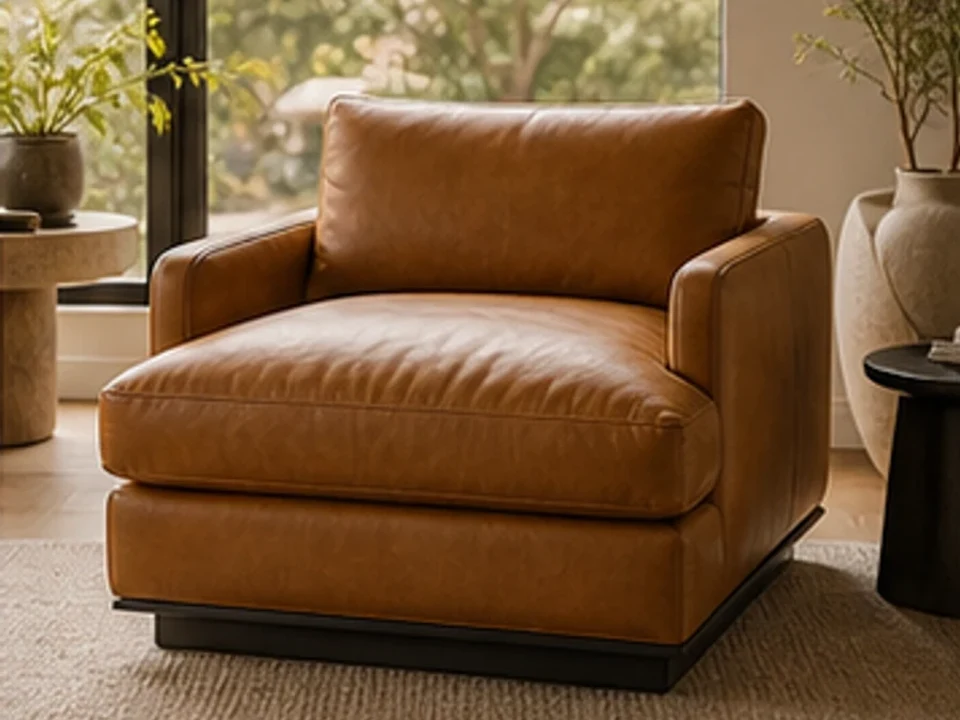
Guide silhouette, upholstery and color with a second image while matching the room's perspective and light.
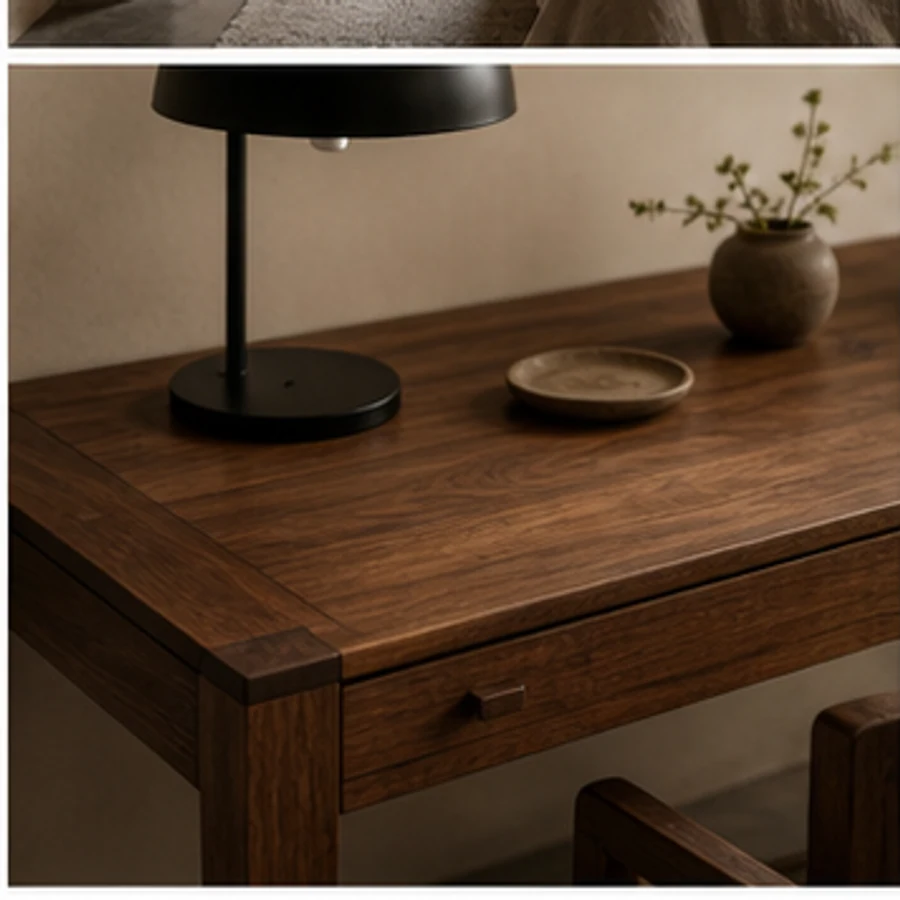
Compare real alternatives
Each concept stays anchored to the same viewpoint, so materials, color and layout choices are easier to compare honestly.
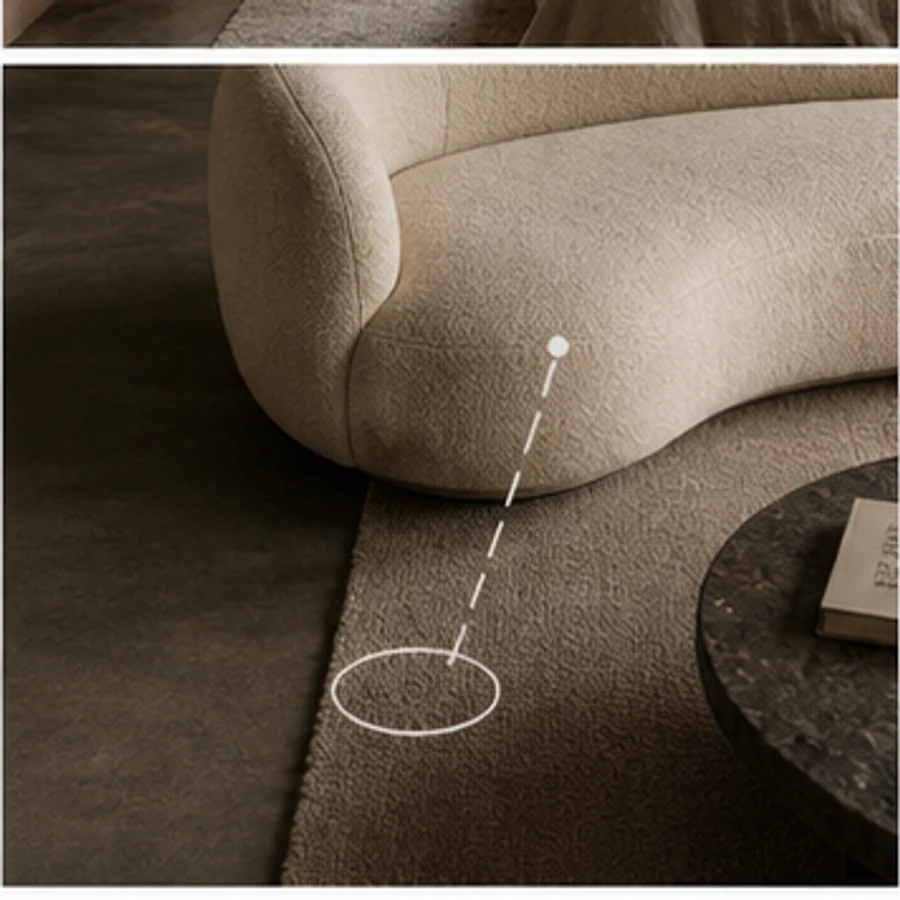
From idea to decision
Use the original photo and several finished directions to align owners, clients or contractors before committing time and budget.
Simple, considered workflow
Use a bright, straight-on image that shows the key boundaries and fixed features of the space.
Select the space and style, then add any materials, colors or objects that matter to you.
Review the before-and-after result, adjust your instruction and create another direction when needed.
Popular directions
Keep designing
Questions, answered
Upload a room and optional furniture reference, then place a believable sofa, bed, desk or dining set with matching scale and light. Use it to compare several directions quickly, then keep the strongest result for discussion, review, or further refinement.
Bring one clear photo and a direction. Explore a realistic concept before you spend on furniture, finishes or construction.