AI Room Design vs Virtual Staging
Choose the right workflow for renovation ideas, listing photos, occupied rooms, empty properties, and client presentations.
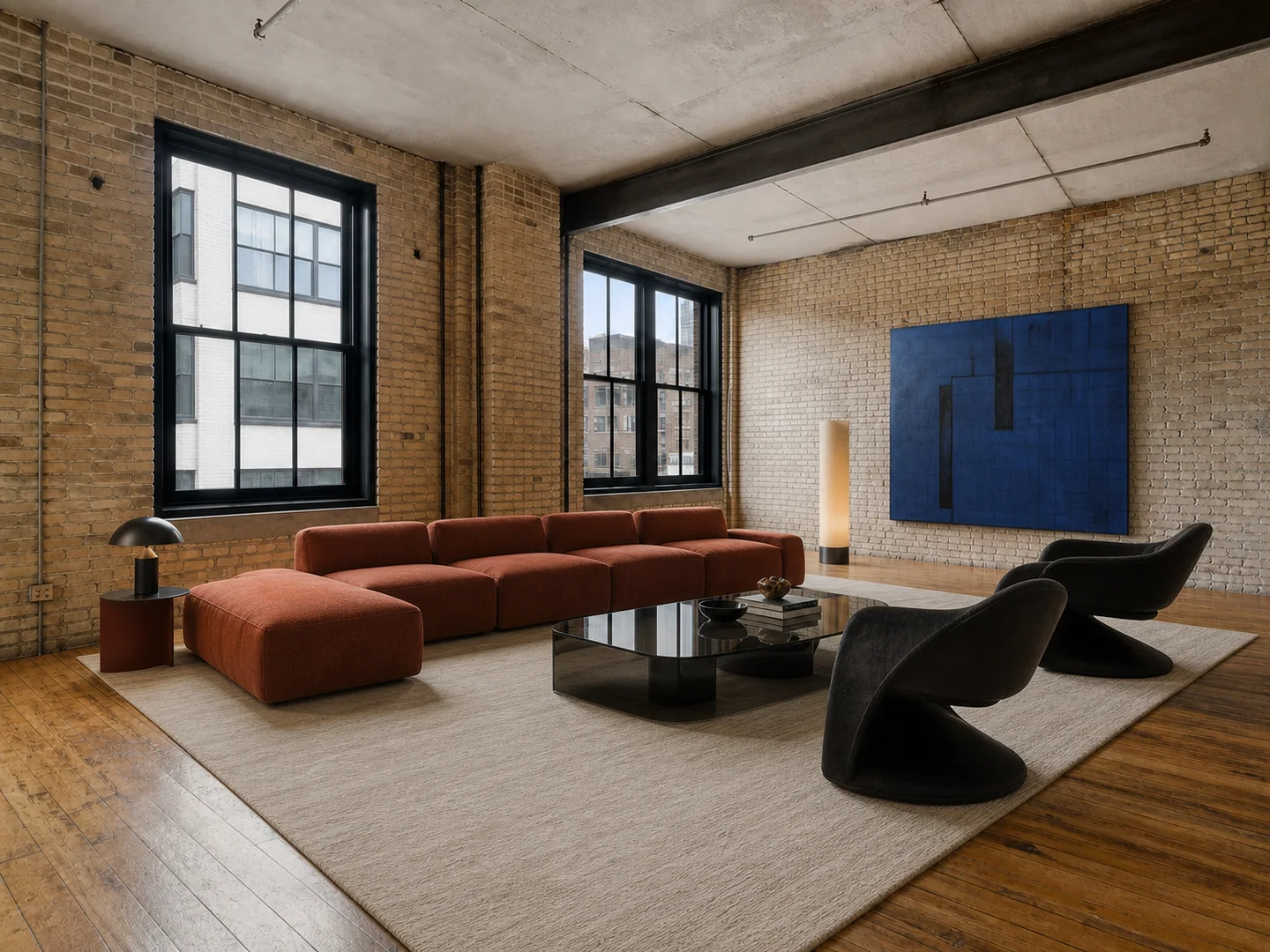
AI room design and virtual staging can produce similar-looking images, but they solve different problems. Choosing the wrong workflow often leads to unnecessary changes, misleading listing visuals, or concepts that are hard to compare.
The short answer
Use AI room design when the design itself is the question: style, materials, furniture direction, lighting, or renovation mood.
Use virtual staging when the property is the subject and furniture is there to explain scale and possible use—especially for empty listing photos.
| Decision | AI room design | Virtual staging | | --- | --- | --- | | Primary goal | Explore a new design direction | Help viewers understand an empty property | | Typical input | Occupied, outdated, or partially furnished room | Empty or nearly empty listing photo | | What may change | Furniture, decor, finishes, color, lighting | Movable furniture and decor | | What should remain | Key architecture and requested constraints | Architecture, permanent finishes, camera evidence | | Main audience | Homeowners, designers, renovators | Agents, sellers, property marketers |
Choose AI room design for renovation questions
Room design is useful when you want to ask “what could this room become?” You may compare kitchen styles, update a dated living room, preview new flooring, or test a different furniture arrangement.
Start with a readable photo, define what must stay, and compare one major variable at a time. If the decision is specifically about paint, flooring, or furniture, a focused tool such as paint visualization, flooring visualization, or furniture swap can reduce unwanted changes.
Choose virtual staging for property communication
Virtual staging is most useful when an empty room is hard to understand. Correctly scaled furniture can show that a living area fits a sofa and dining zone, or that a small bedroom can hold a bed and desk.
The transformation should not change windows, doors, ceiling lines, built-ins, permanent flooring, or other property facts. Keep the original photo available and label staged imagery wherever platform rules or local law require it. See the detailed guide to virtual staging that still feels like the real property.
What about an occupied listing?
For a cluttered or tenant-occupied listing, separate the workflow into stages:
- Use declutter room for loose objects, or furniture removal when a clean room is required.
- Verify that permanent architecture has not changed.
- Add a restrained furniture set with virtual staging.
- Publish the original alongside the staged image when appropriate.
Trying to remove clutter, redesign finishes, and stage furniture in one aggressive prompt makes it harder to identify where the result became inaccurate.
A useful decision test
Ask what must be true when someone visits the real space.
- If the generated image is an idea for a future change, use AI room design and describe it as a concept.
- If the image is a representation of a property for sale or rent, use virtual staging and preserve factual property conditions.
Can one project use both?
Yes, but keep the outputs separate. A property developer might use virtual staging for an honest sales listing and AI room design for optional upgrade concepts. An interior designer might first establish a renovation direction, then stage the chosen concept with a consistent furniture story.
Name files clearly—such as original, virtually-staged, and renovation-concept—so they are not accidentally published in the wrong context.
Final checklist
Before generating, confirm:
- Who will view the image?
- Is it describing the current property or a future idea?
- Which elements are factual and must not change?
- Does the image need a disclosure label?
- Will the original be shown for comparison?
The right workflow is not the one that makes the most dramatic image. It is the one whose visual promise matches the real decision being made.