Upload Image
Sky Reference (Optional)
Model
Additional Instructions (Optional)
0/1000Real transformations
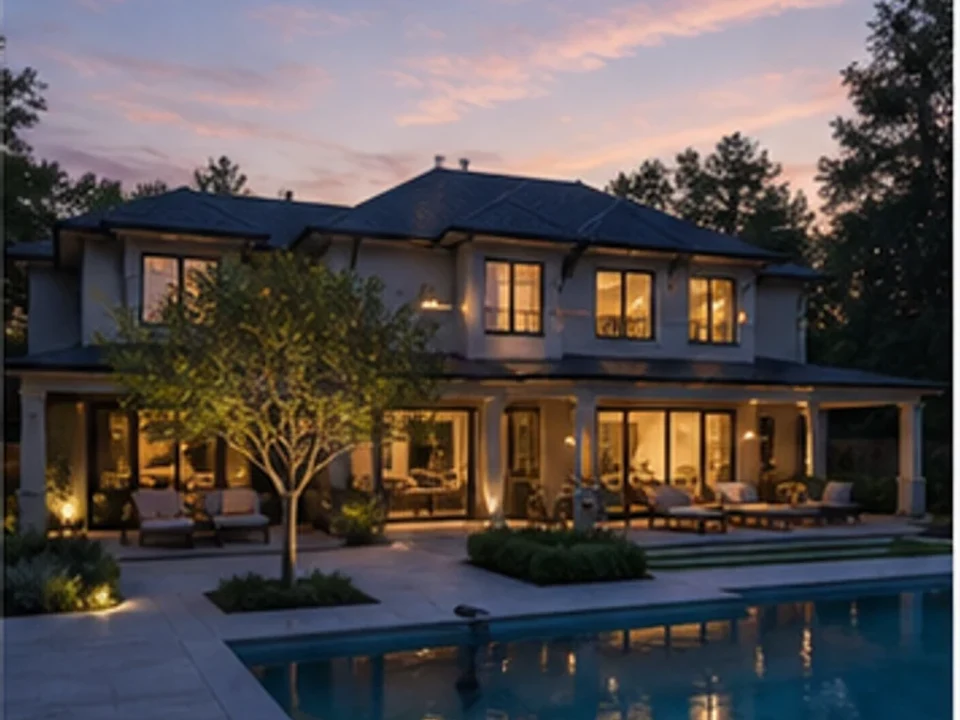
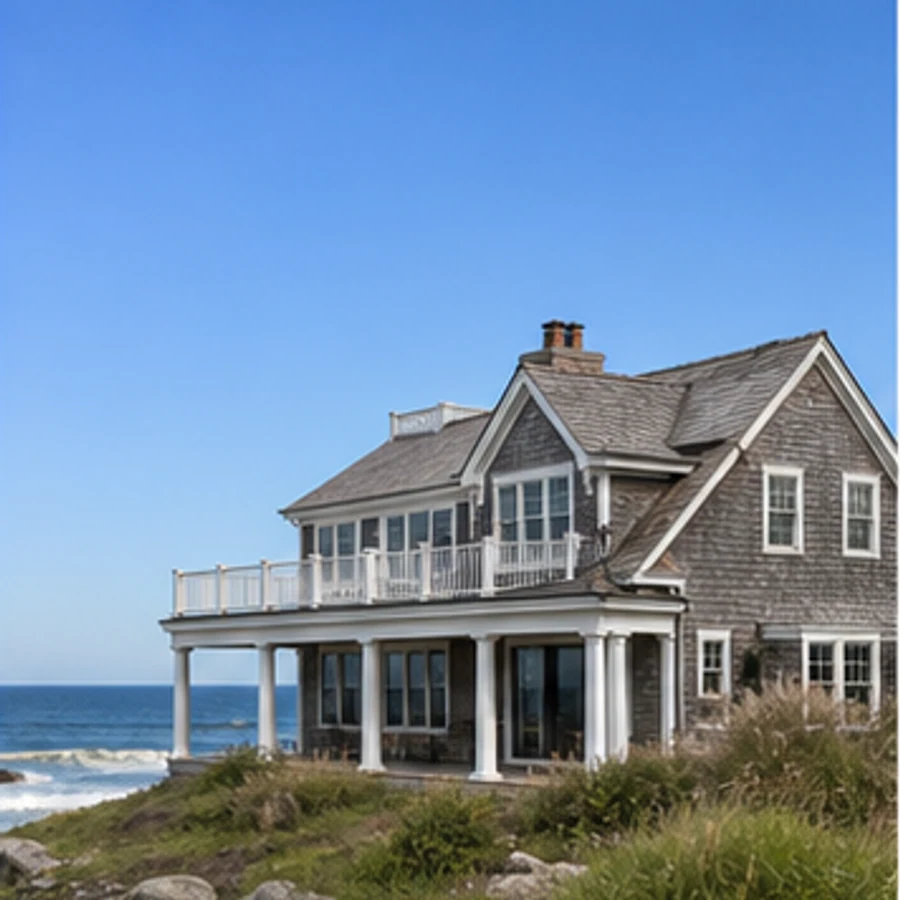
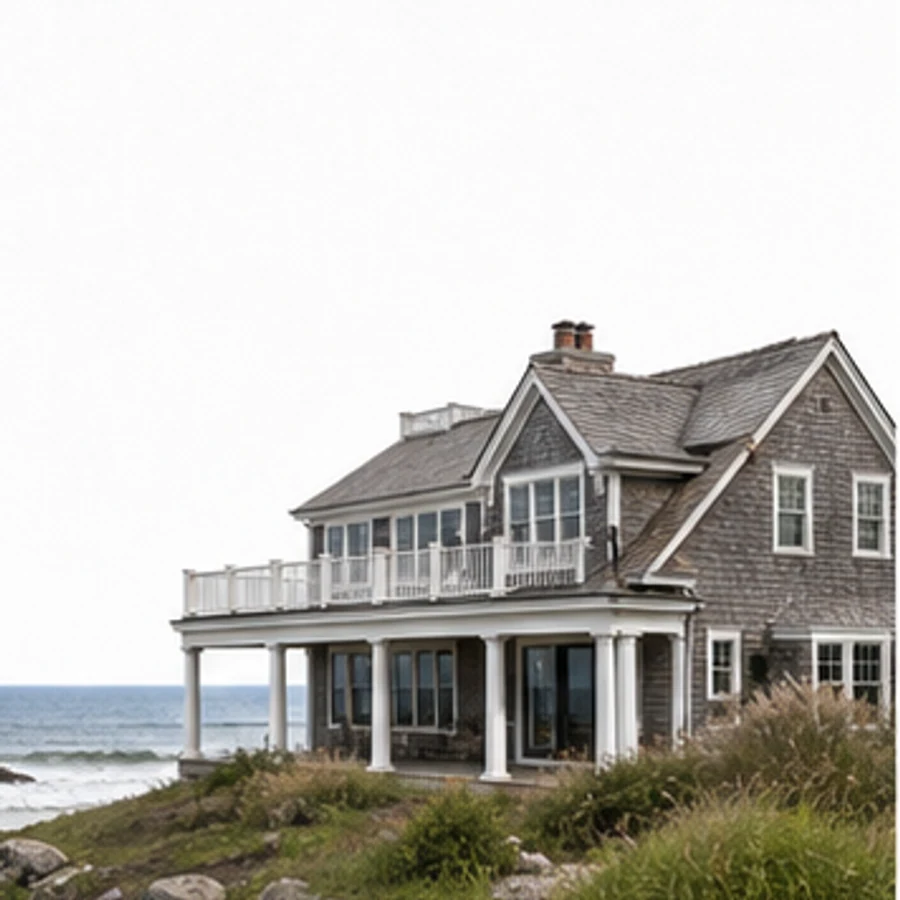
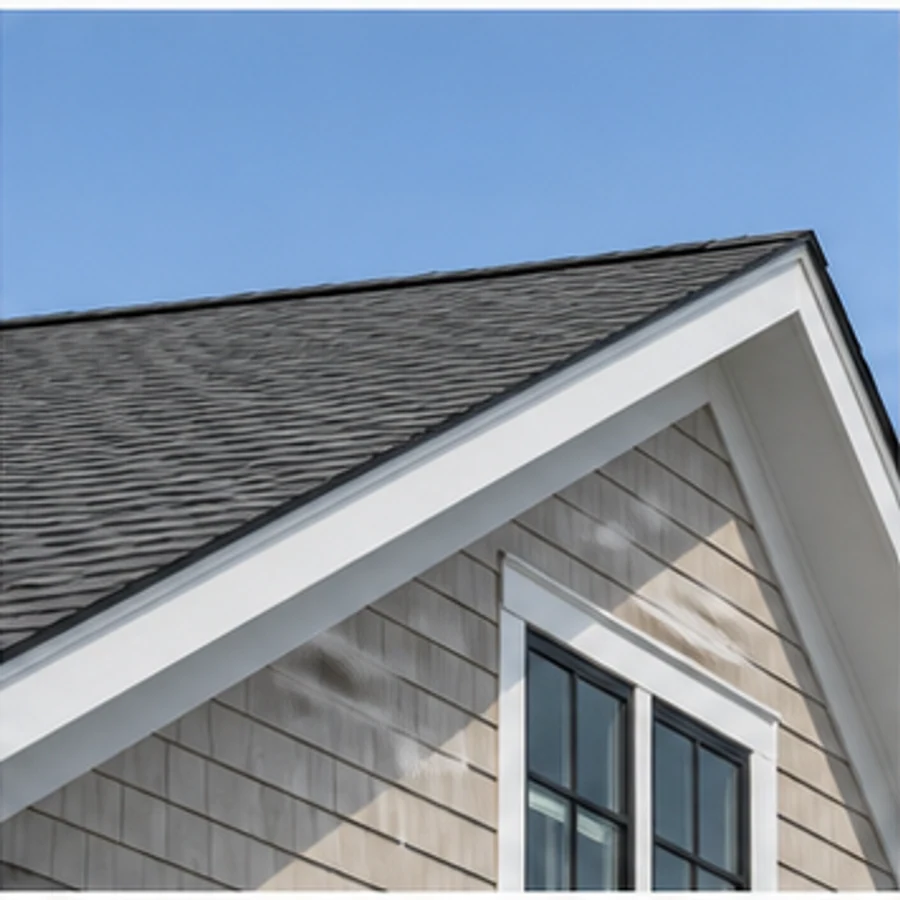
Clean blue sky behind a coastal facade
Designed for real spaces
A precise sky mask and optional reference make it possible to improve weather and exposure while protecting rooflines and landscape detail.
Real transformations
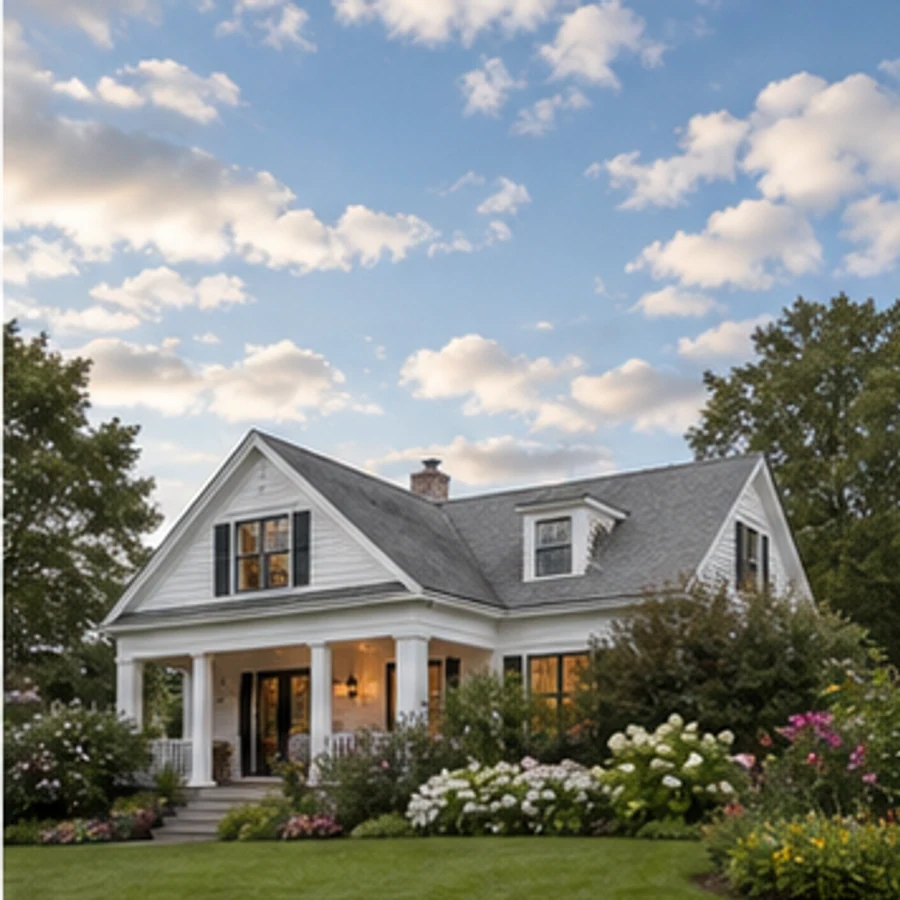
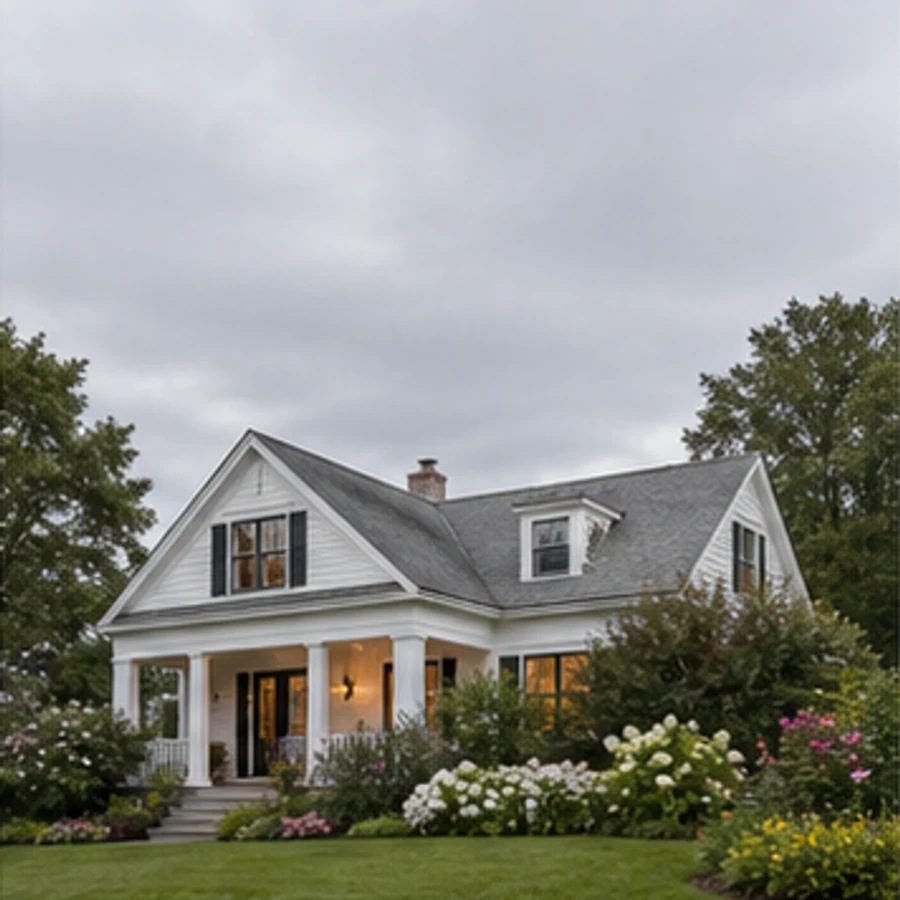
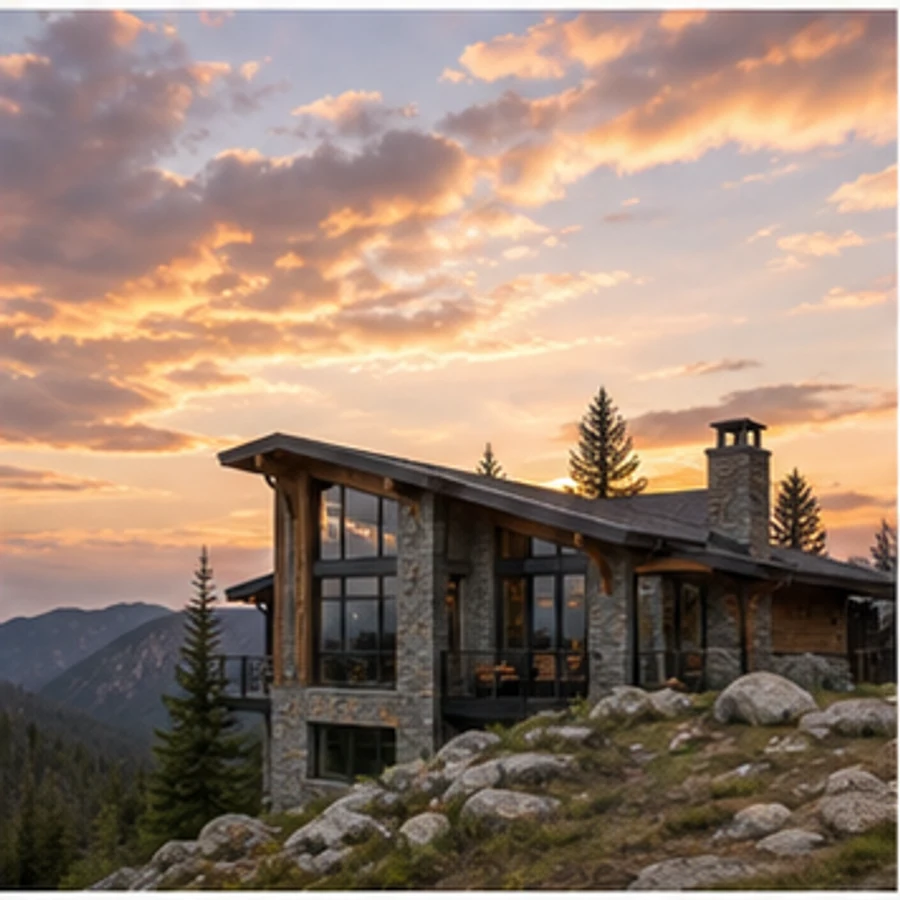
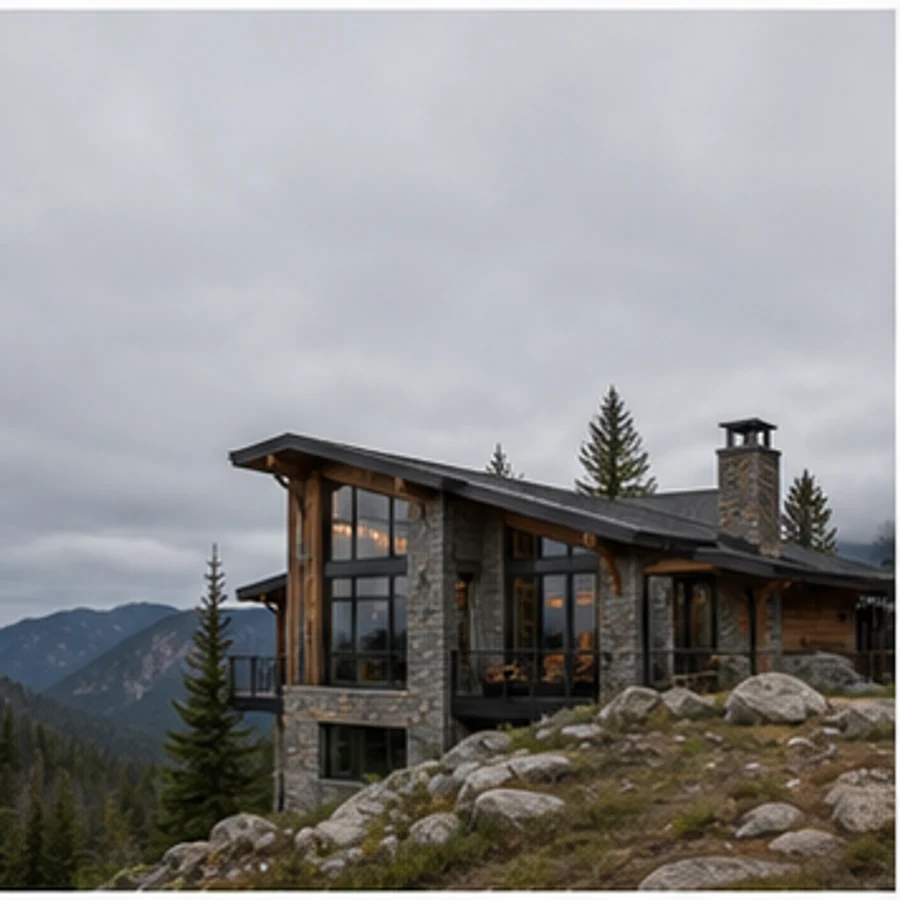
See clear commercial blue, soft cloud and golden-hour skies blended into coastal, suburban and mountain exteriors.
Space-aware by default
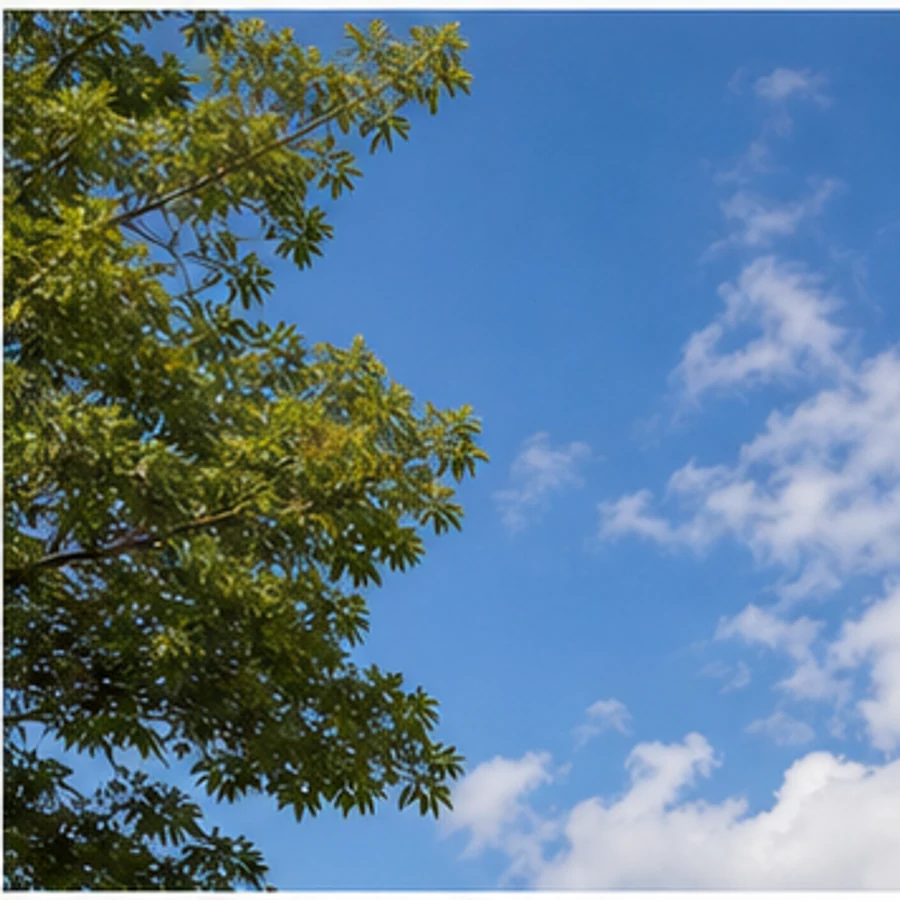
Mark the sky so the edit stays behind fine architecture and vegetation instead of bleeding over the property.
Explore before you commit
Choose a restrained blend that respects the direction, temperature and intensity already present in the photo.
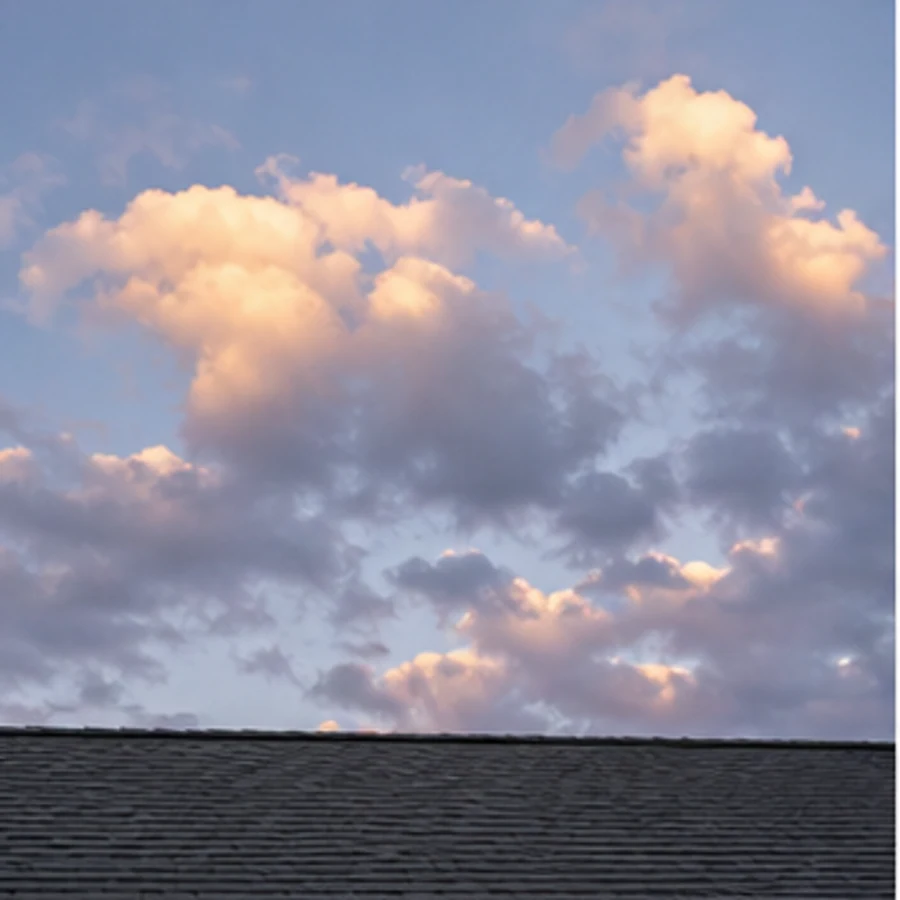
Compare real alternatives
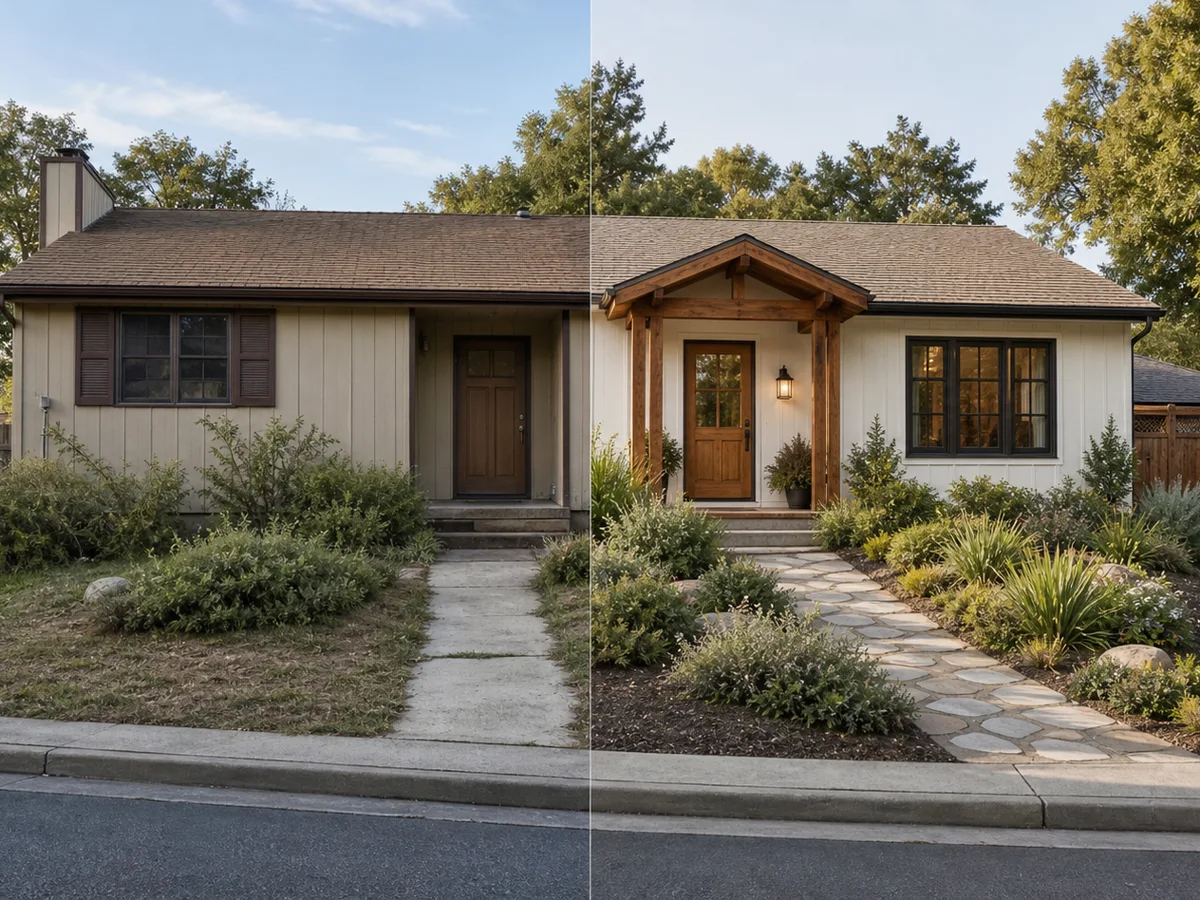
Each concept stays anchored to the same viewpoint, so materials, color and layout choices are easier to compare honestly.
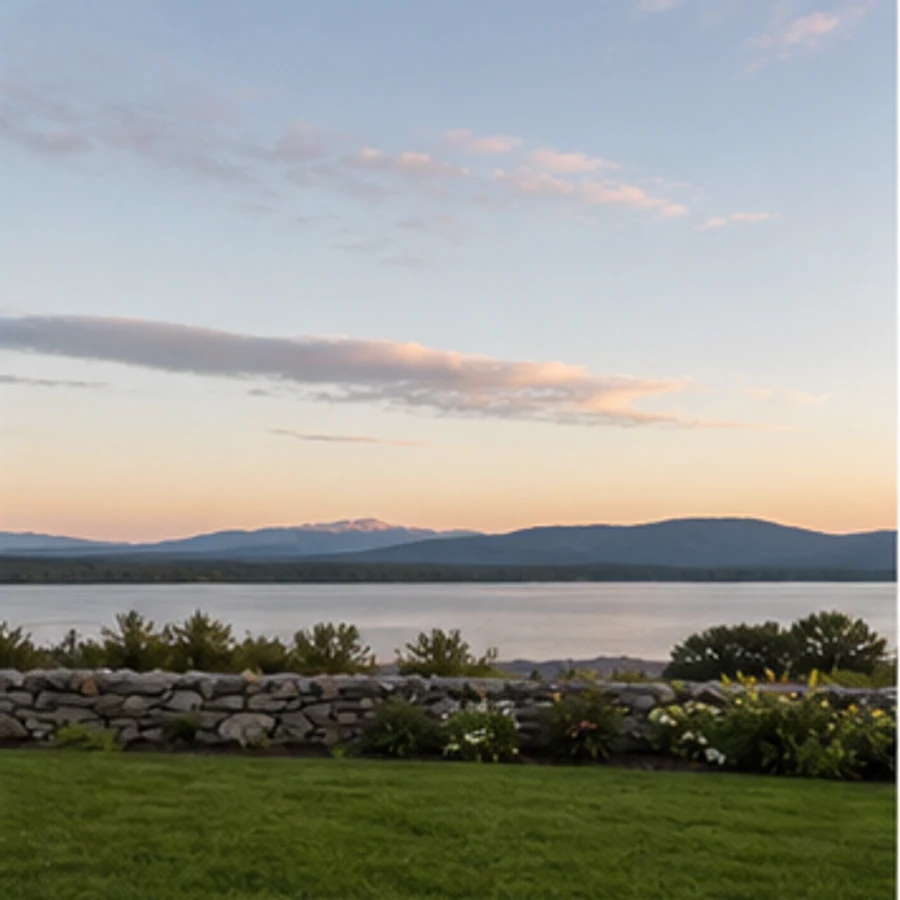
From idea to decision
Use the original photo and several finished directions to align owners, clients or contractors before committing time and budget.
Simple, considered workflow
Use a bright, straight-on image that shows the key boundaries and fixed features of the space.
Select the space and style, then add any materials, colors or objects that matter to you.
Review the before-and-after result, adjust your instruction and create another direction when needed.
Popular directions
Keep designing
Questions, answered
Select the sky and replace it with clear blue, soft cloud, golden-hour or dramatic weather while preserving the property edges. Use it to compare several directions quickly, then keep the strongest result for discussion, review, or further refinement.
Bring one clear photo and a direction. Explore a realistic concept before you spend on furniture, finishes or construction.